01
Matching views
Compare Front with Front, Side with Side, or any custom label you created.
ProgressLens makes body-photo comparison straightforward: choose matching check-ins, view the same pose across two dates, and share the comparison only when you want to.
Before and after photo app · Side-by-side progress photos · Body transformation comparison
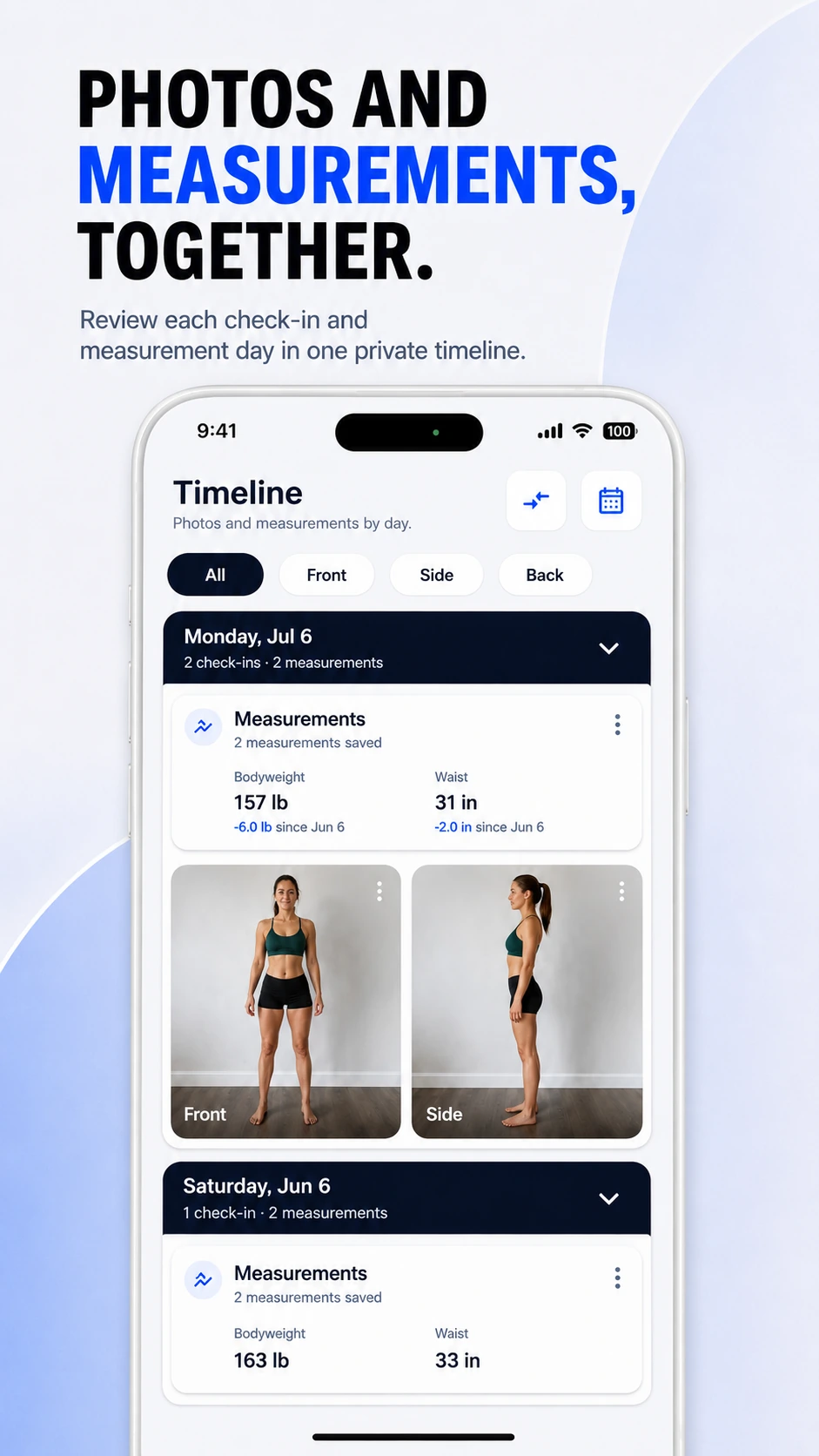
ProgressLens organizes progress pictures by date and label first, so creating a before-and-after comparison does not begin with scrolling through thousands of unrelated images.
Compare Front with Front, Side with Side, or any custom label you created.
Switch between two full photos so neither image is hidden behind a permanent divider.
Create a comparison image for sharing without making your regular progress history public.
ProgressLens is intentionally focused: it records the photos and measurements you choose, keeps them organized, and helps you compare your own history.
Compare two milestones while keeping measurements nearby.
Review the same physique pose across a training period.
Compare photos when scale weight is not dramatically different.
Keep comparisons for yourself if you do not want to post progress publicly.
Quick answers about using ProgressLens for this kind of progress tracking.
Yes. ProgressLens is designed to compare matching check-ins across two dates.
The clearest comparison usually uses the same label or pose, such as Front to Front or Side to Side.
Yes, sharing is optional. Your regular timeline is not a public social feed.
ProgressLens focuses on full-photo earlier/later comparison so the complete image remains visible. Comparison behavior may evolve as the app develops.
ProgressLens is designed around personal progress tracking. Keep regular records private, create a local backup when you need one, and share a comparison only when you choose.
Download ProgressLens for iPhone or Android and keep photos and measurements in one place.