Ghost overlay camera
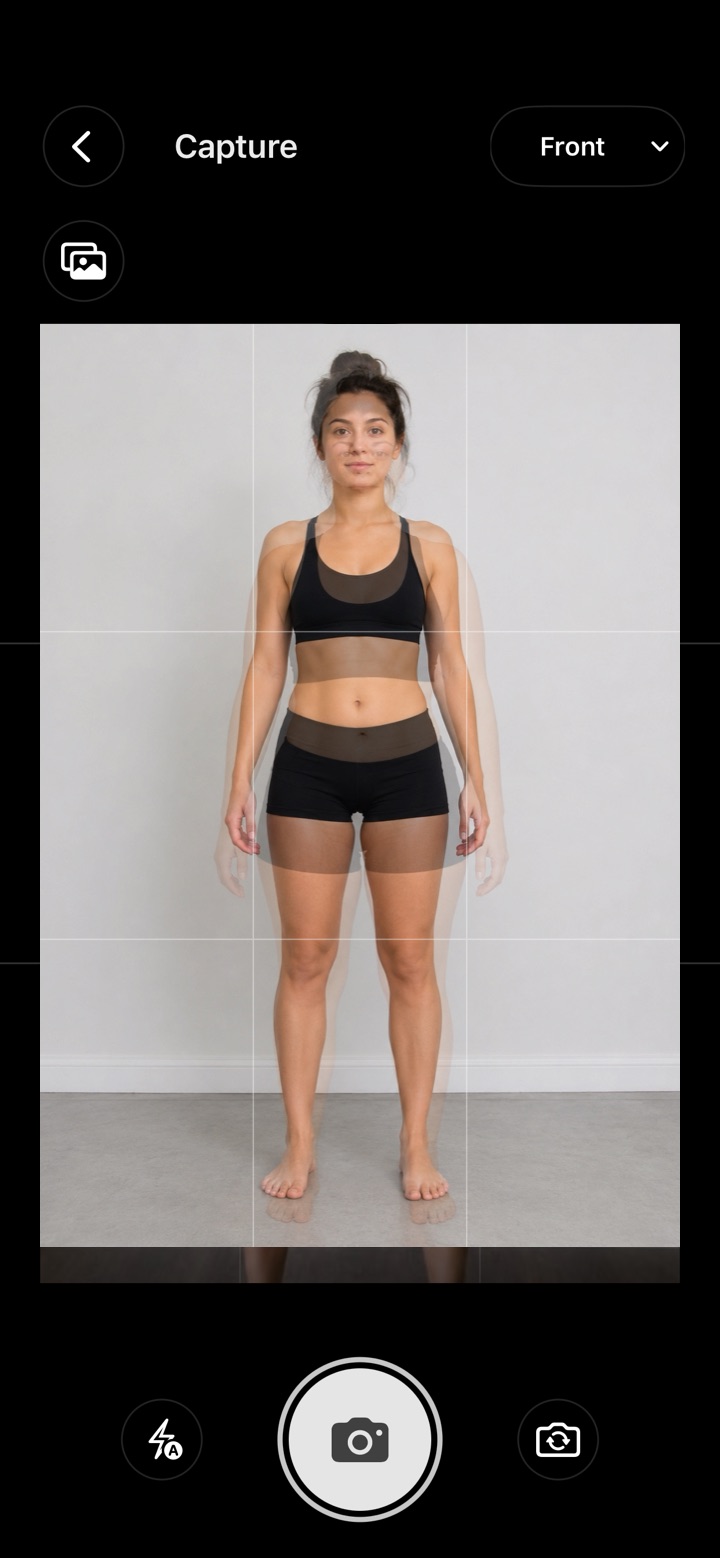
Your last photo, as a ghost.
A see-through copy of your previous photo sits on the camera. Match your outline, snap, and every photo is taken from the same spot. That’s how small changes become visible.


- Private to you
- No account
- No subscription
- iPhone & Android
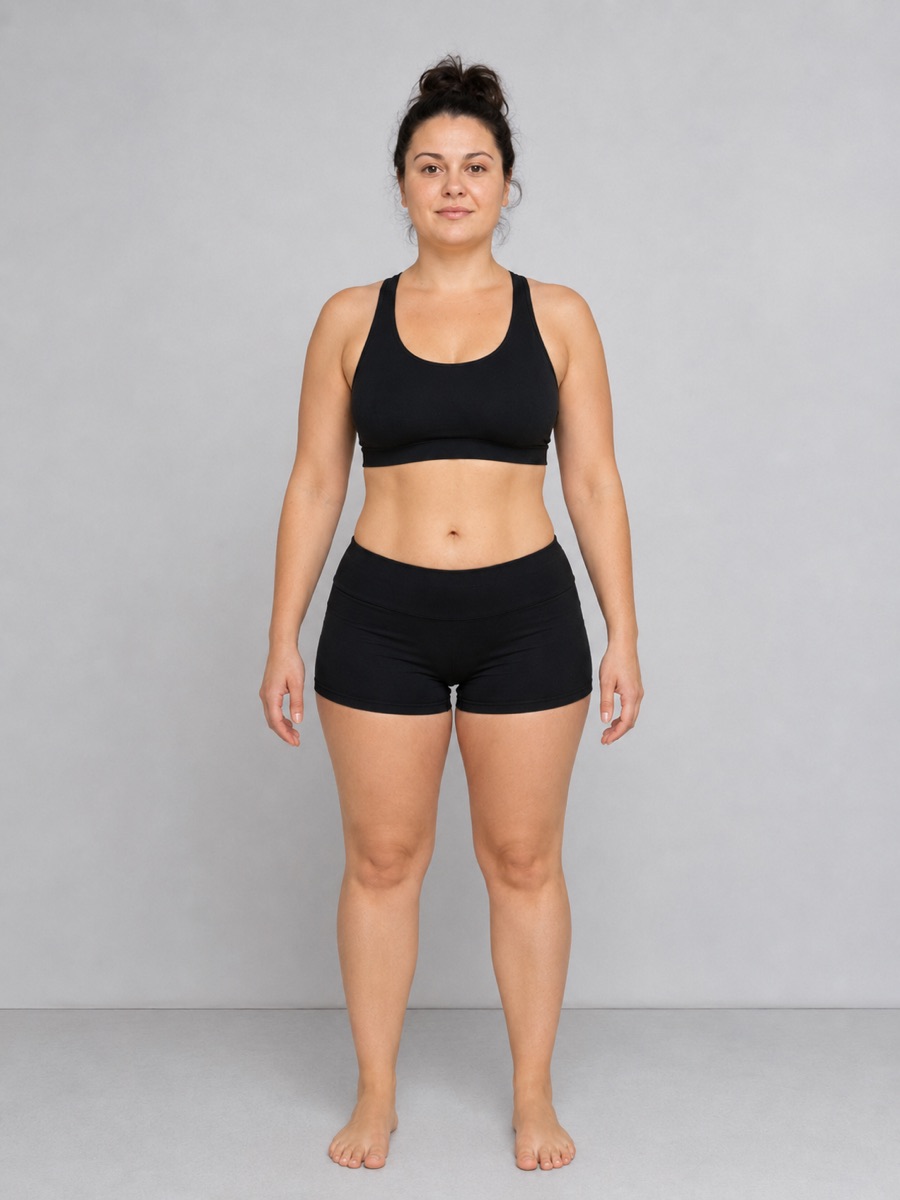
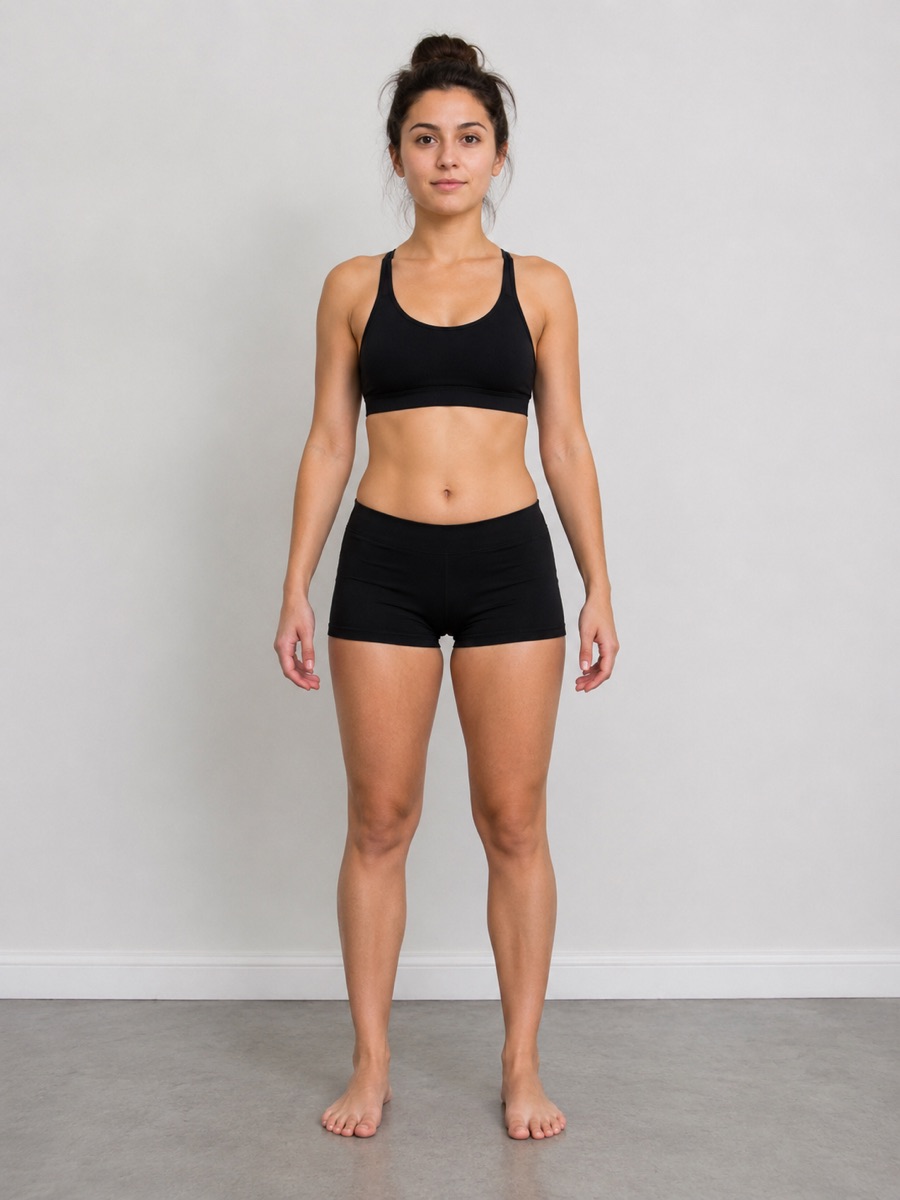 Last monthToday
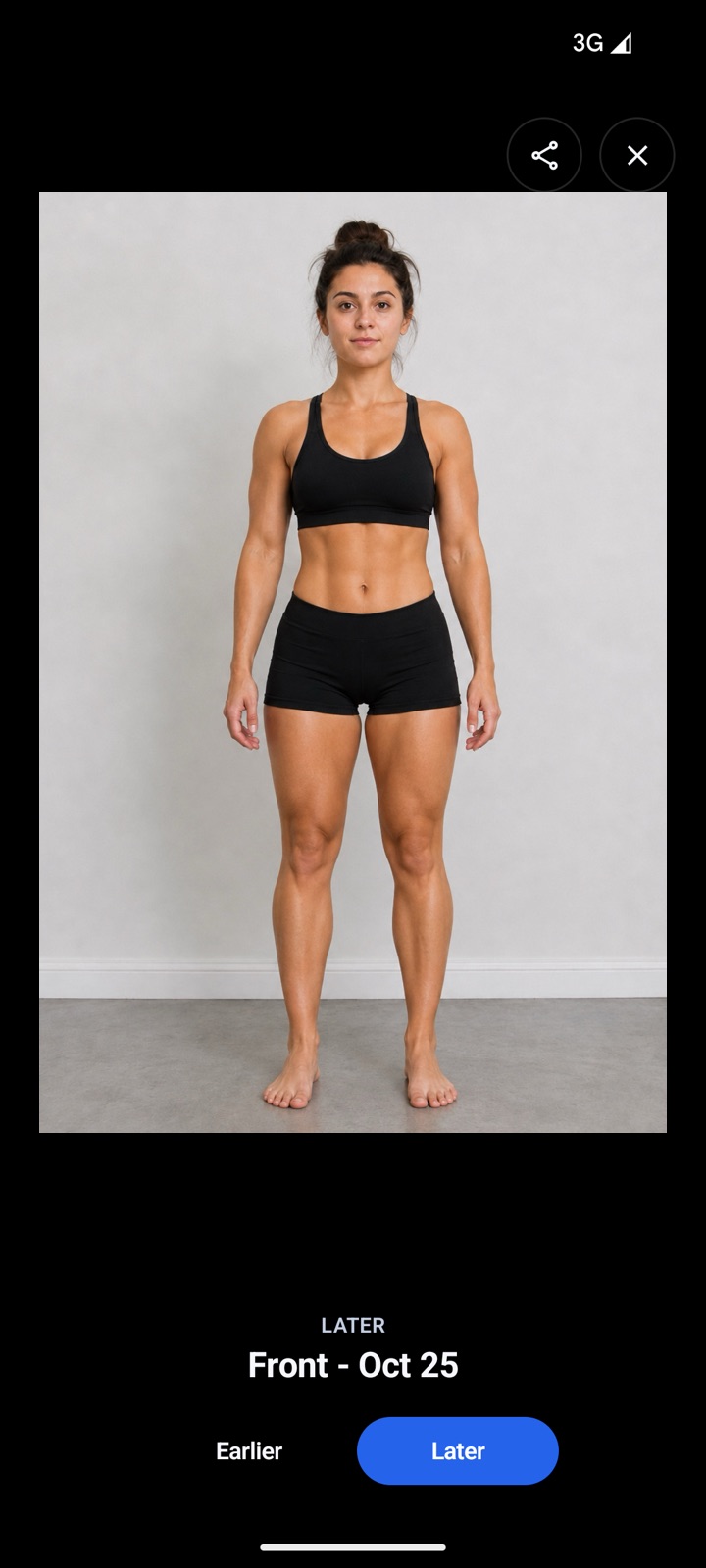
Illustrative example photos.
In short
A ghost overlay is a semi-transparent copy of your previous photo shown over the live camera. ProgressLens uses your last photo of the same pose (front, side, back or your own) so you can match your position, distance and angle before you take the new one. It never stretches or edits your photos afterwards.
Why it matters
Most “no progress” is really the camera moving.
Step a little closer and you look bigger. Hold the phone at your waist and your legs look longer. Tilt it and your posture changes. These shifts are bigger than a month of real progress.
Match the ghost and they disappear. What’s left is you.
- Line up your feet, head and shoulders
- A light grid keeps the phone level
- Separate ghosts for front, side and back
- Turn it off any time
How it works
Thirty seconds a week.
No setup, no sign-up, no learning curve. Open the app, take your photo, done.
Snap your photo
Front, side and back. Your last photo shows faintly on the screen, so you stand in the same spot every time.
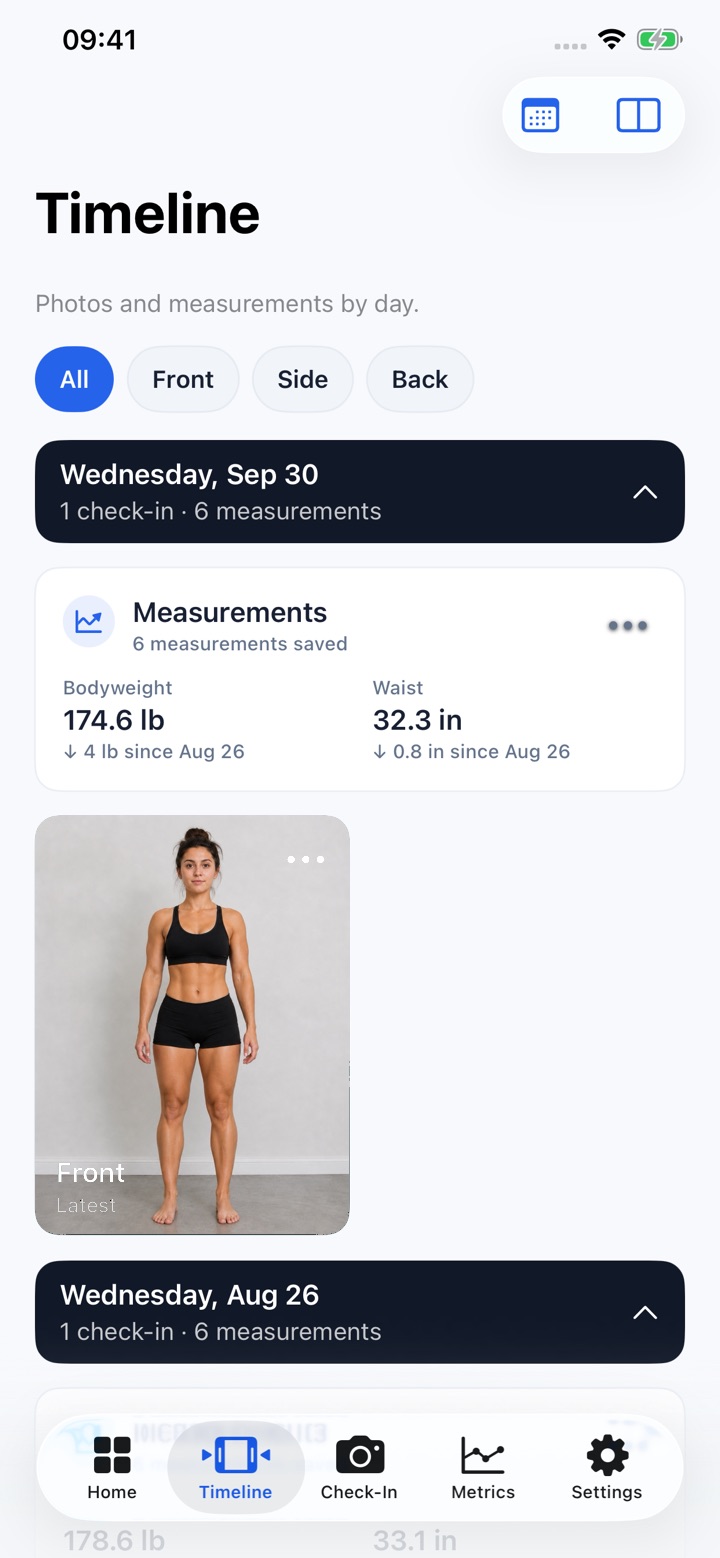
Add a number or two
Weight and waist take ten seconds. Skip them if you’d rather not. The photos do the talking.
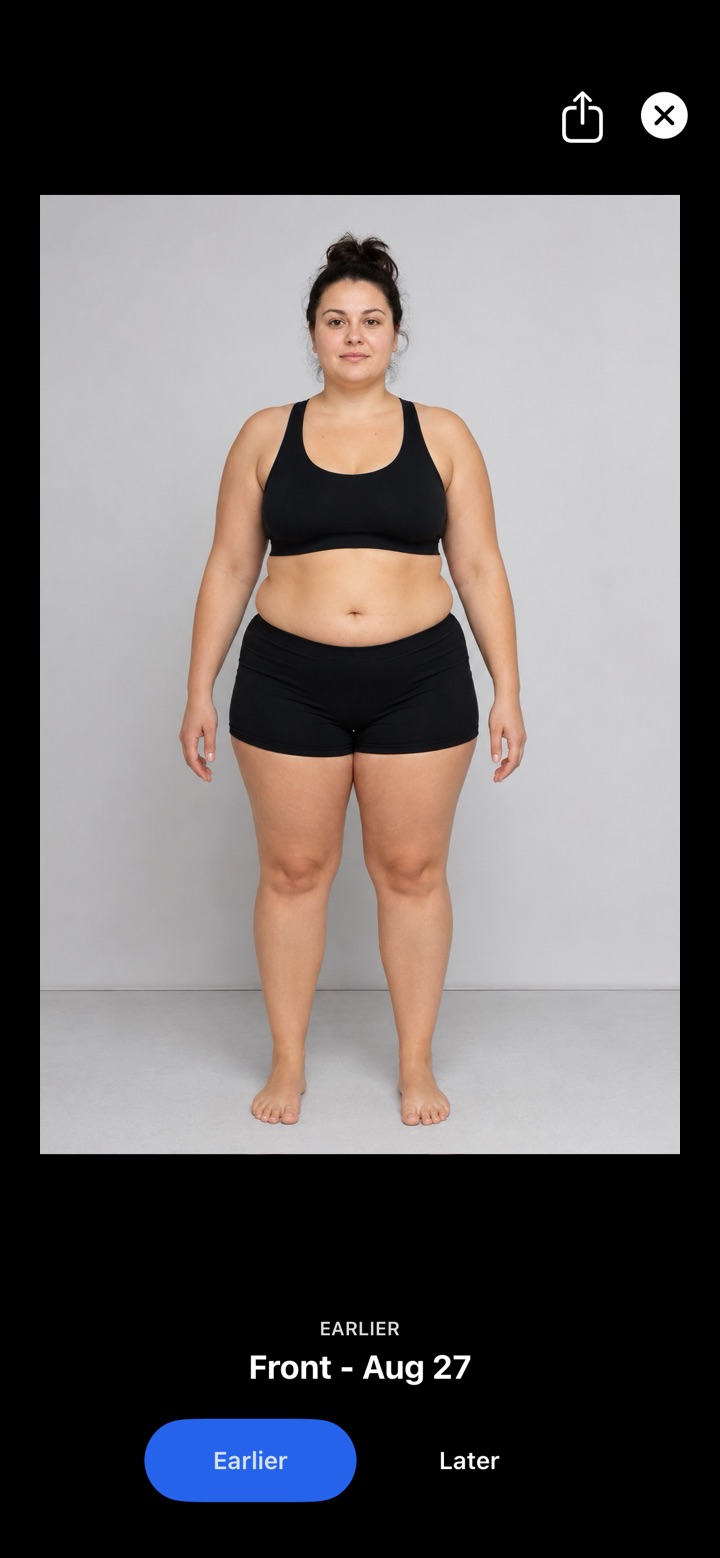
See the difference
Pick any two days and flip between them. That’s the moment it clicks.
Whatever you’re working on
Made for your journey.
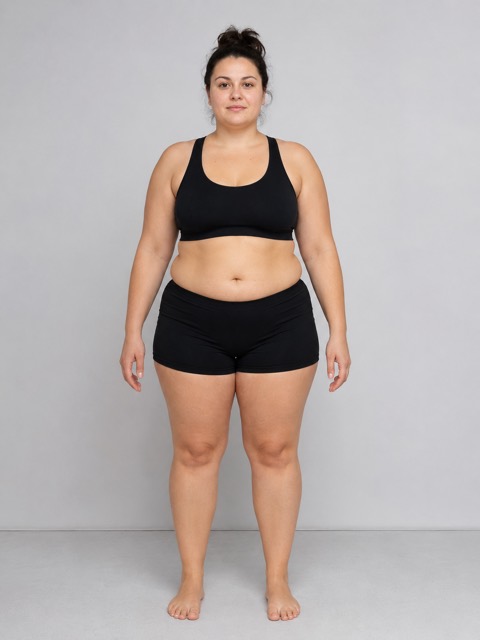
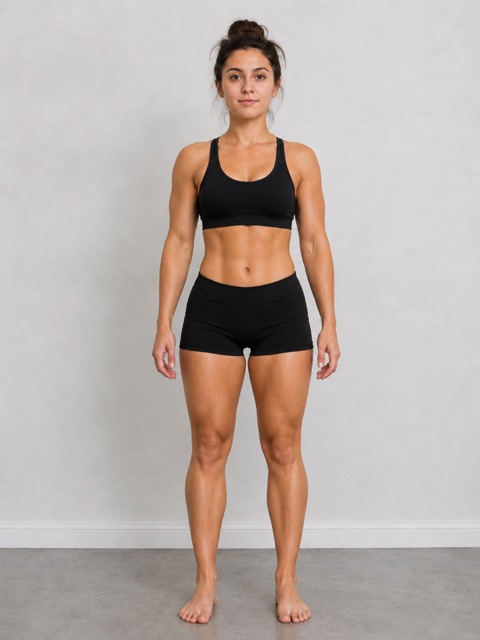
Weight loss
See the change the scale keeps hiding.
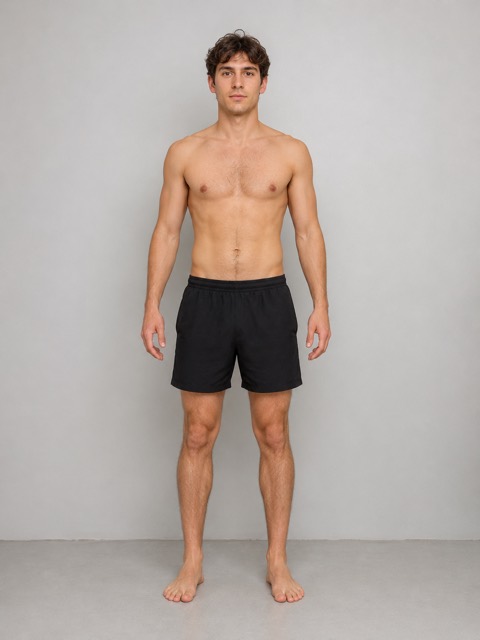
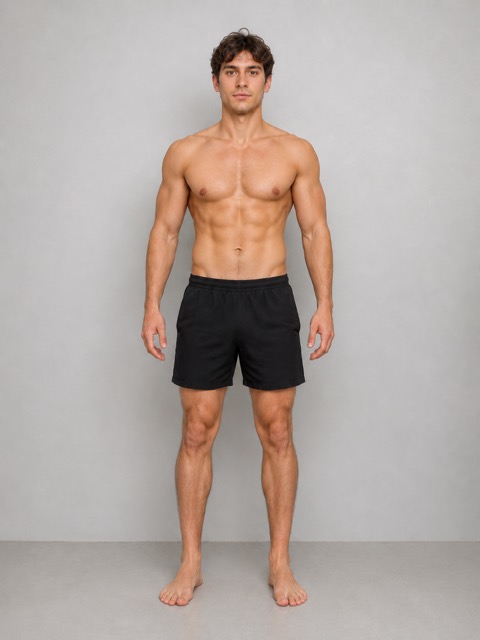
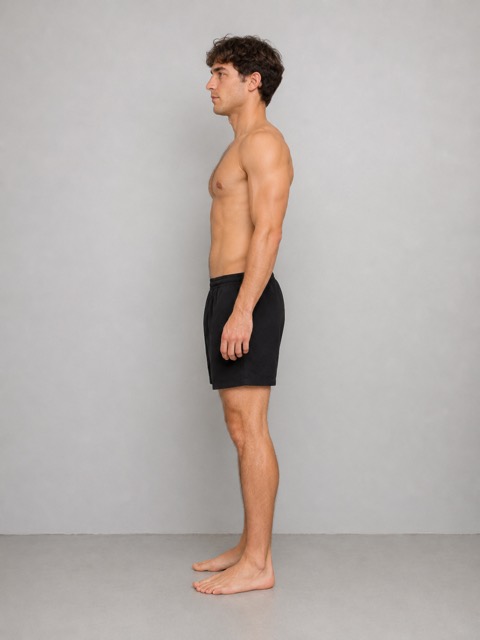
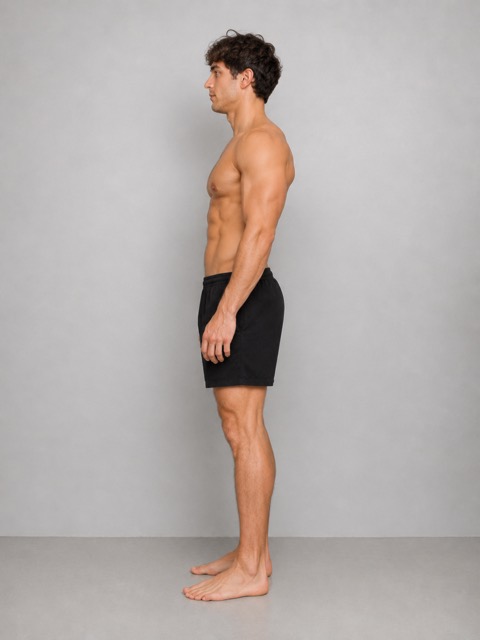
Building muscle
Watch your shoulders and arms fill out.
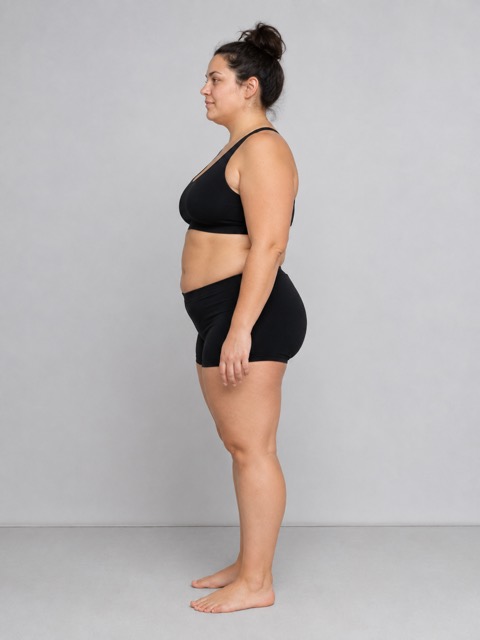
Ozempic & Mounjaro
Document your journey week by week.
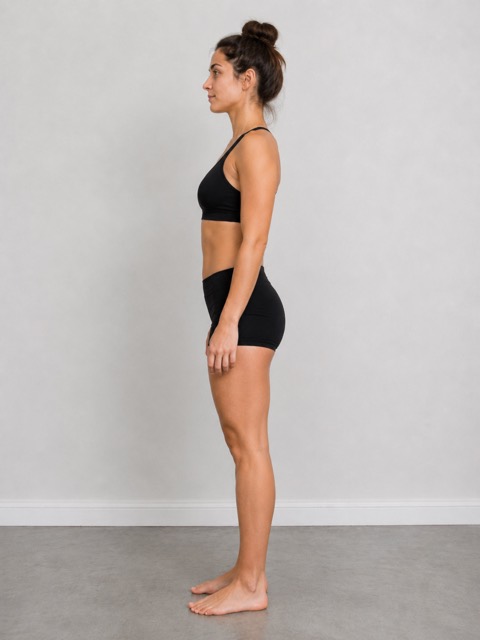
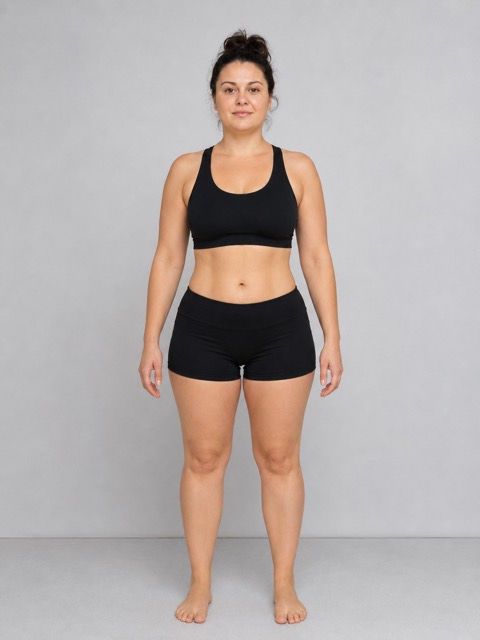
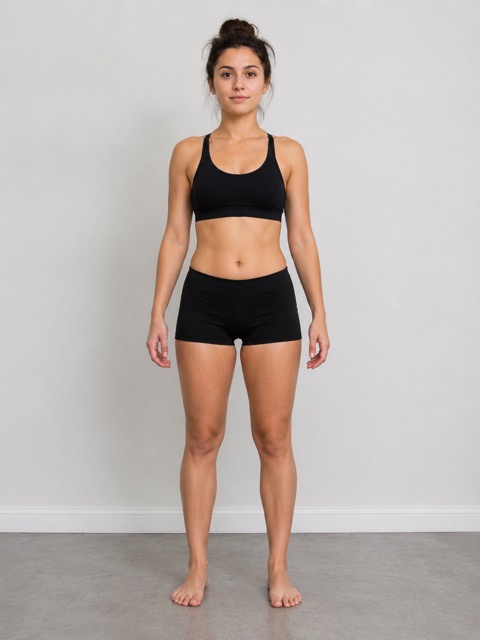
Toning up
Same weight, different body. Now you’ll see it.
75 Hard
Your daily photo, day 1 to day 75.
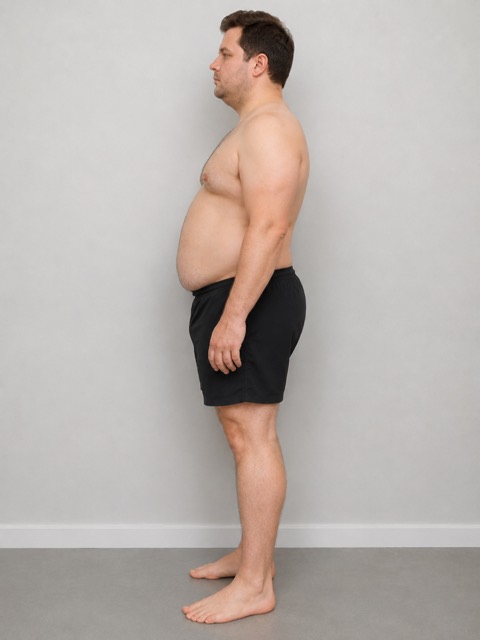
Before & after
The photo you’ll be proud to share.
FAQ
Questions, answered
What is a ghost overlay camera?
A camera that shows a faint copy of your earlier photo over the live view, so you can match the new photo to the old one.
Does it move or warp my photos?
No. It helps you take a matching photo in the first place, and your photos are never stretched or edited.
Which photo is the ghost?
Your most recent photo of the same pose. A side photo is guided by your last side photo.
Is it free?
Free to download and try, with every feature. Your first 10 check-ins are free, then one payment unlocks unlimited check-ins forever. No subscription.
Does it work on iPhone and Android?
Yes, on iPhone and iPad (iOS 17 or later) and Android (Android 7.0 or later).
Get ProgressLens
Your future self will thank you for the first photo.
Take it today. In a few months, it’ll be the one that shows how far you’ve come.