Gym progress photos
Muscle grows slowly. Now you’ll see it.
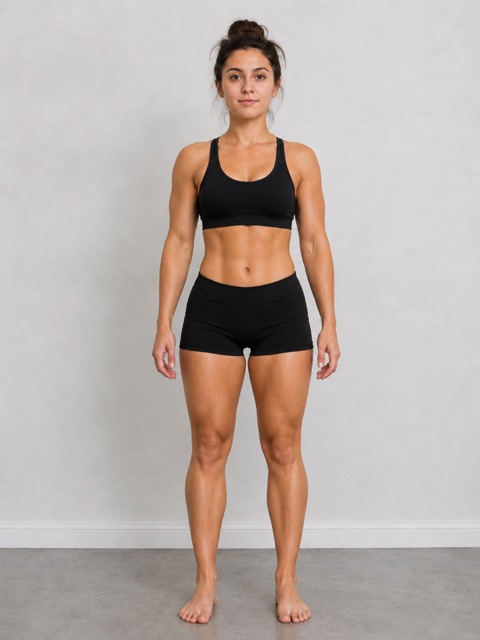
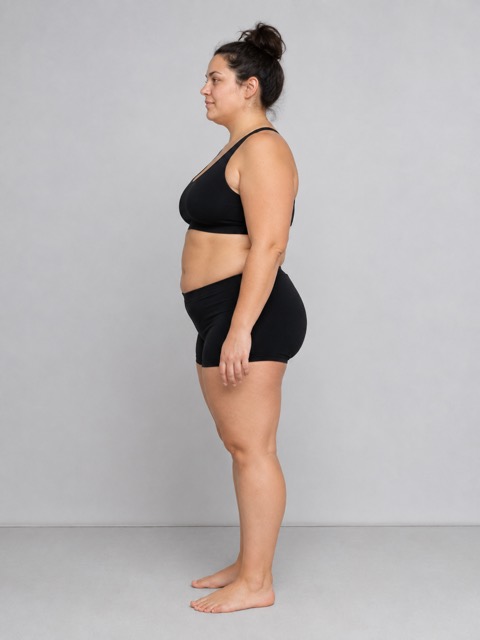
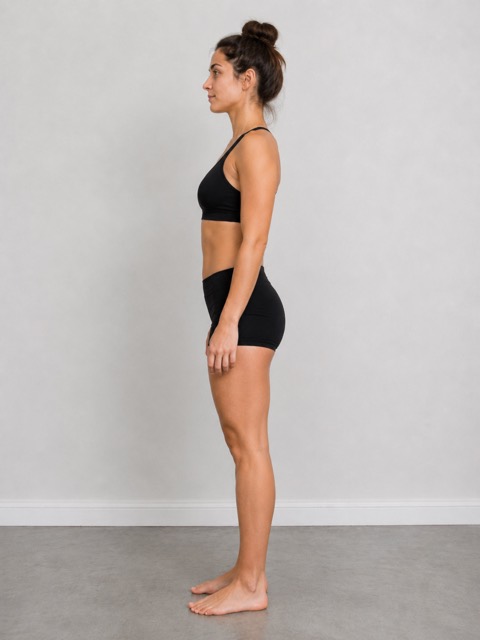
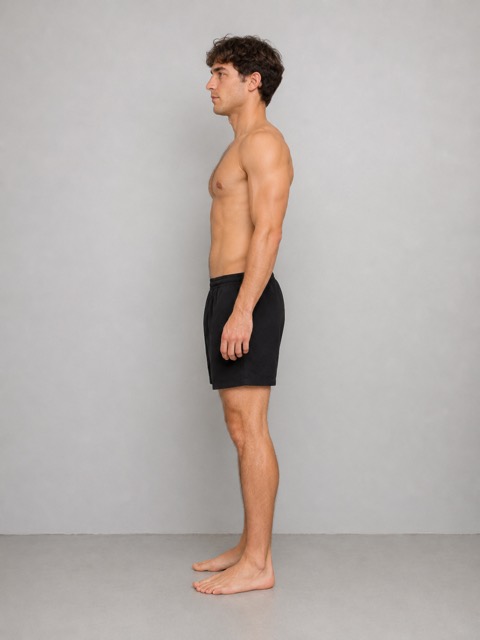
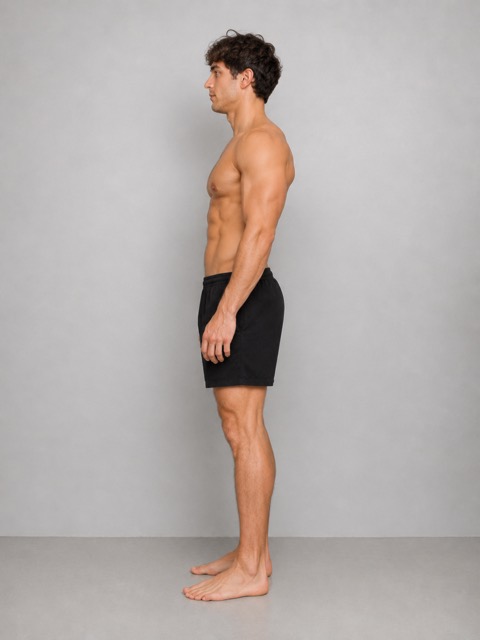
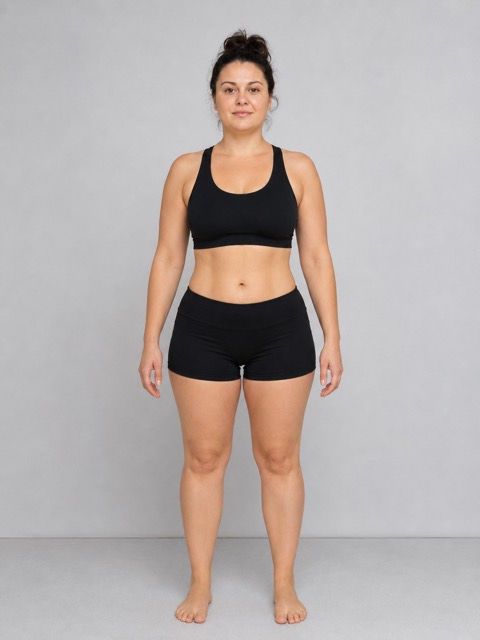
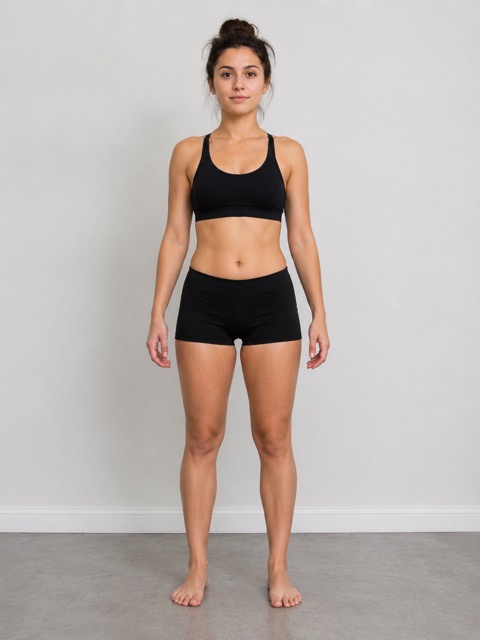
You won’t notice it in the mirror. You’ll notice it in matching photos twelve weeks apart. Front, side, back, and the poses you care about.


- Private to you
- No account
- No subscription
- iPhone & Android
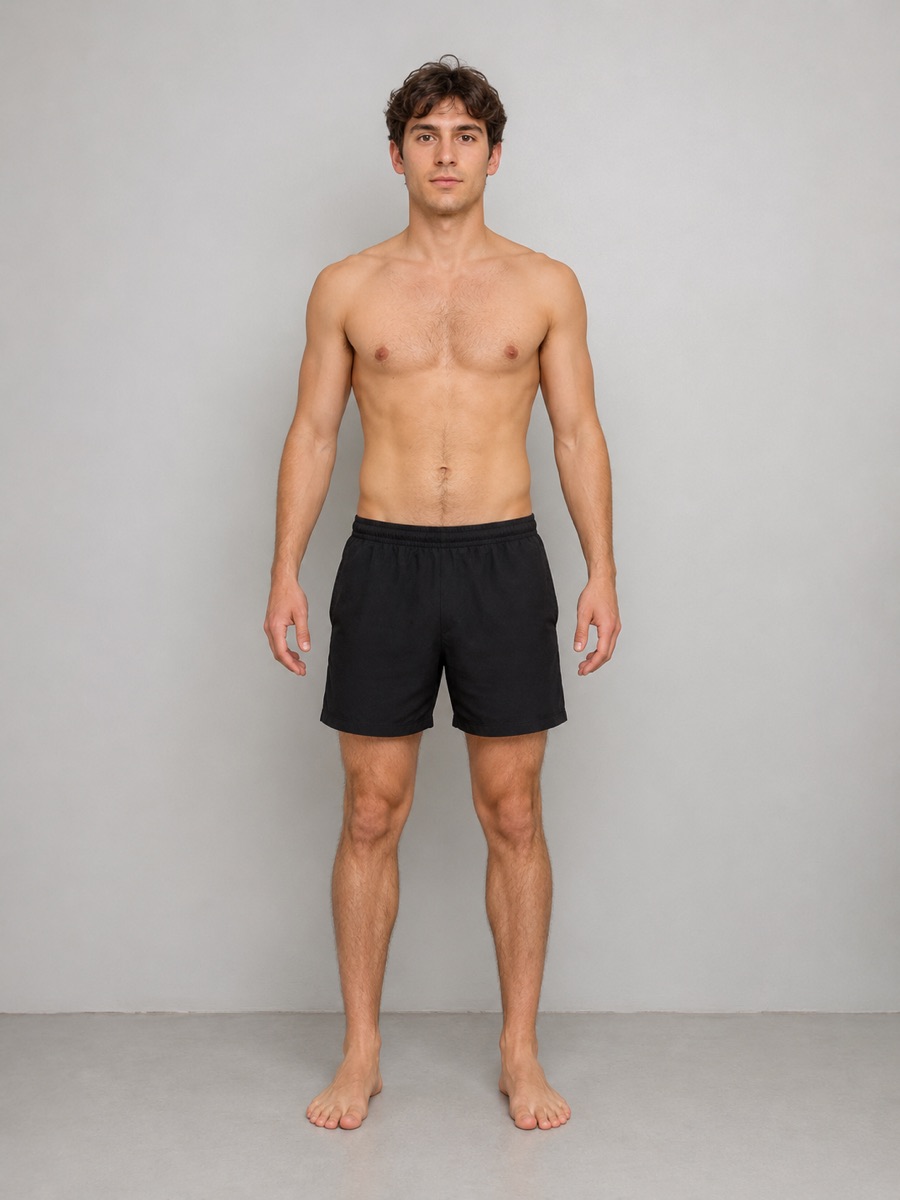
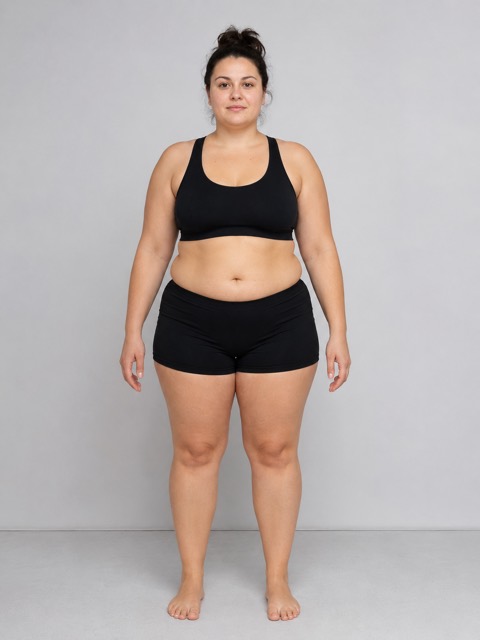
 Week 1Week 16
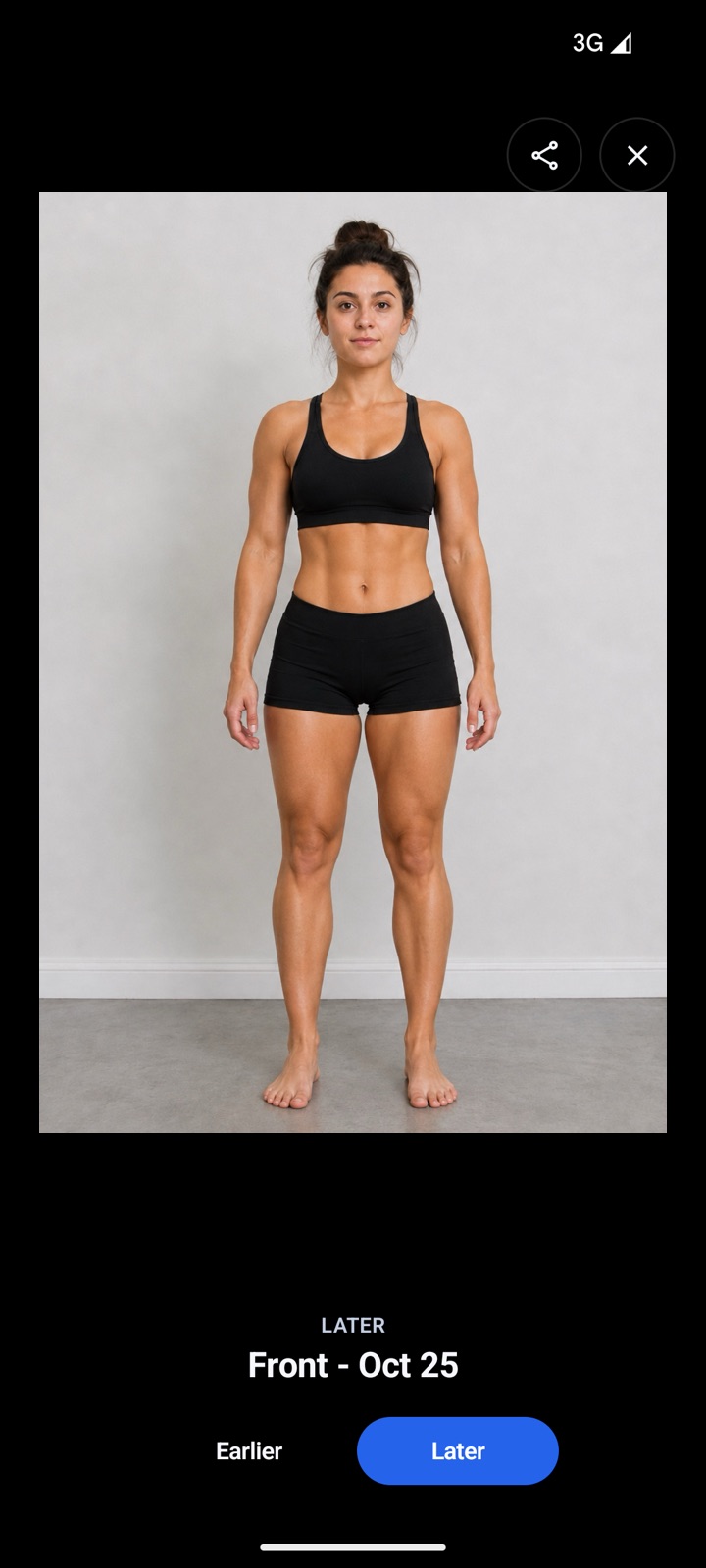
Illustrative example photos.
In short
For gym progress, take relaxed front, side and back photos every week or two before training, plus any flexed poses you like, and compare 8 to 12 weeks apart. ProgressLens keeps each pose on its own timeline, lines every photo up with the last, and tracks arms, chest, shoulders, waist and weight beside them.
Bulk or cut
See what each phase actually did.
A bulk can feel like you just got softer, until you see your shoulders and arms side by side with week one. A cut can feel like you lost muscle, until your waist and back photo say otherwise.
Read how to track muscle gain and which poses to take.
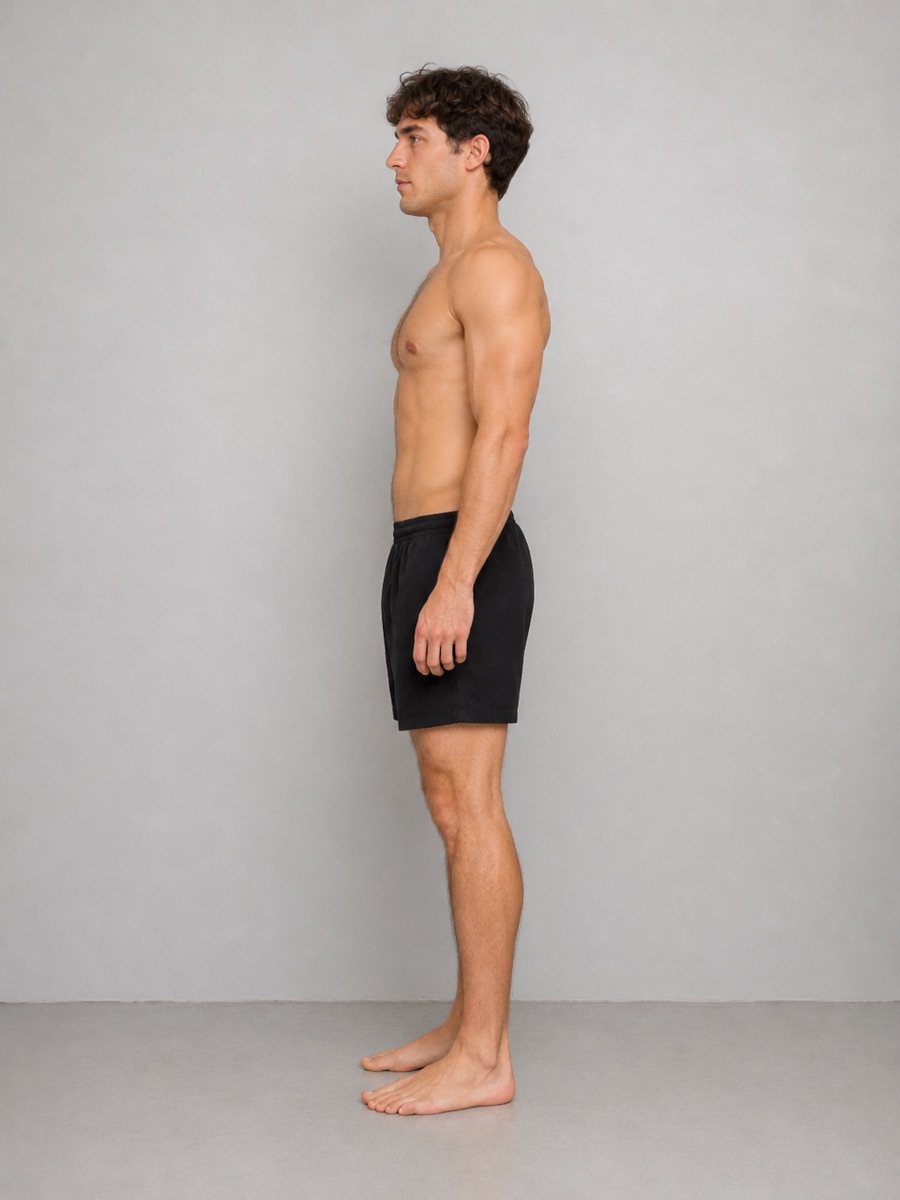
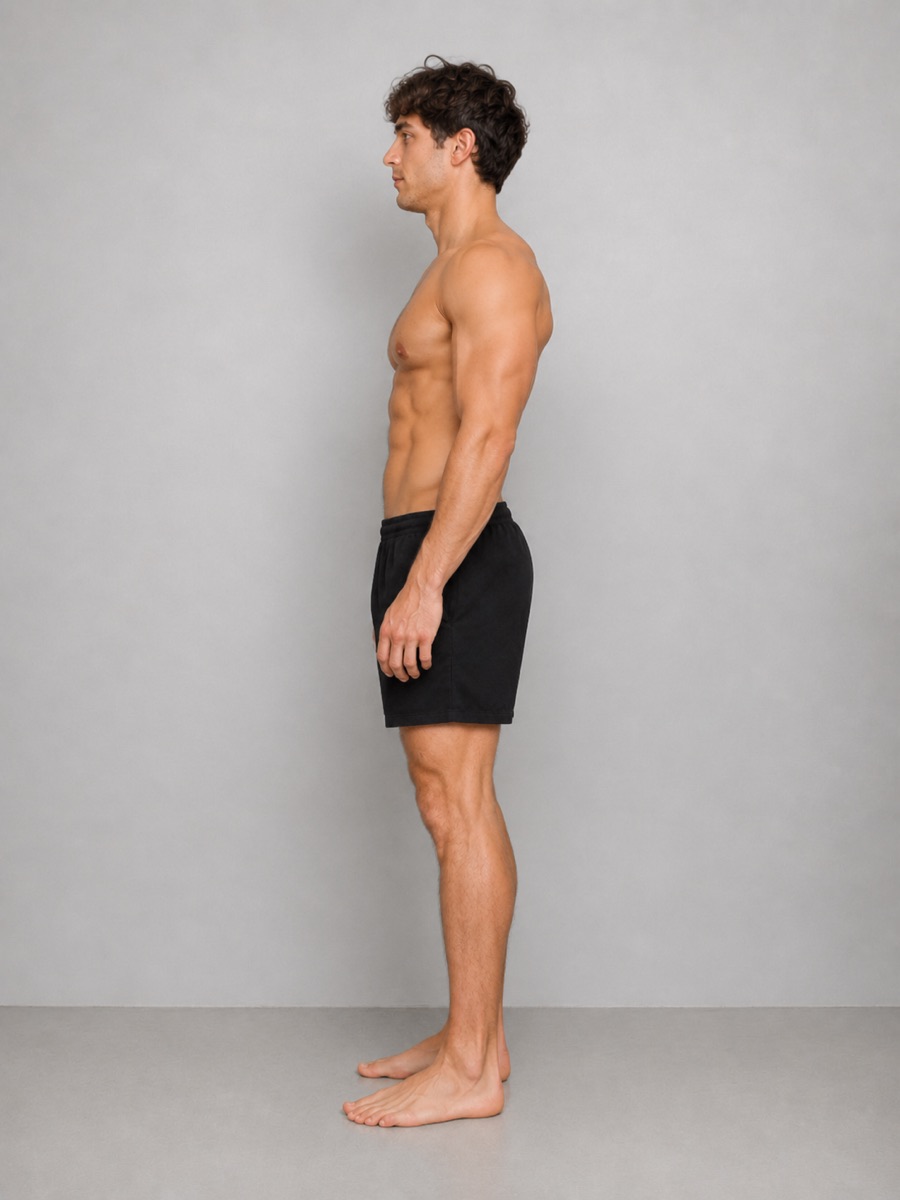
How it works
Thirty seconds a week.
No setup, no sign-up, no learning curve. Open the app, take your photo, done.
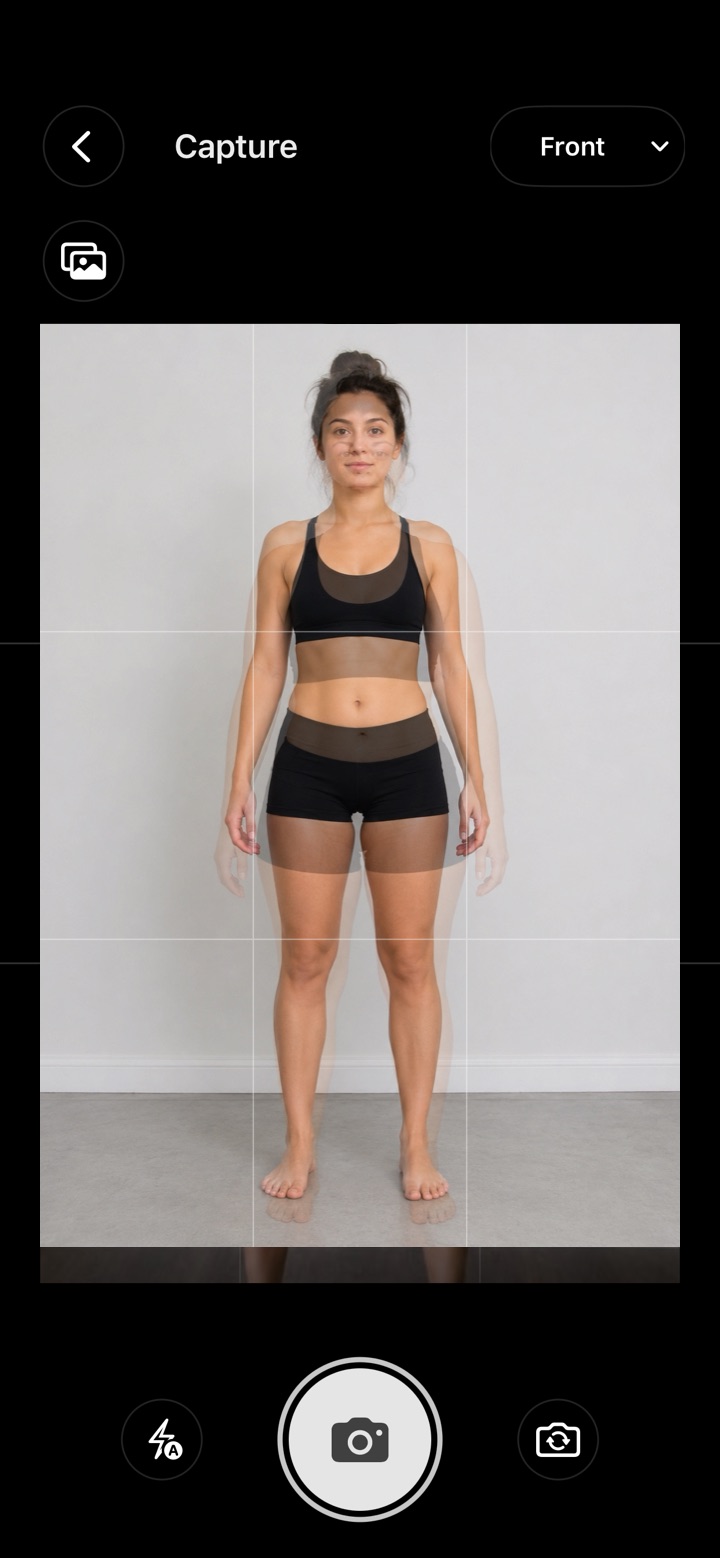
Snap your photo
Front, side and back. Your last photo shows faintly on the screen, so you stand in the same spot every time.
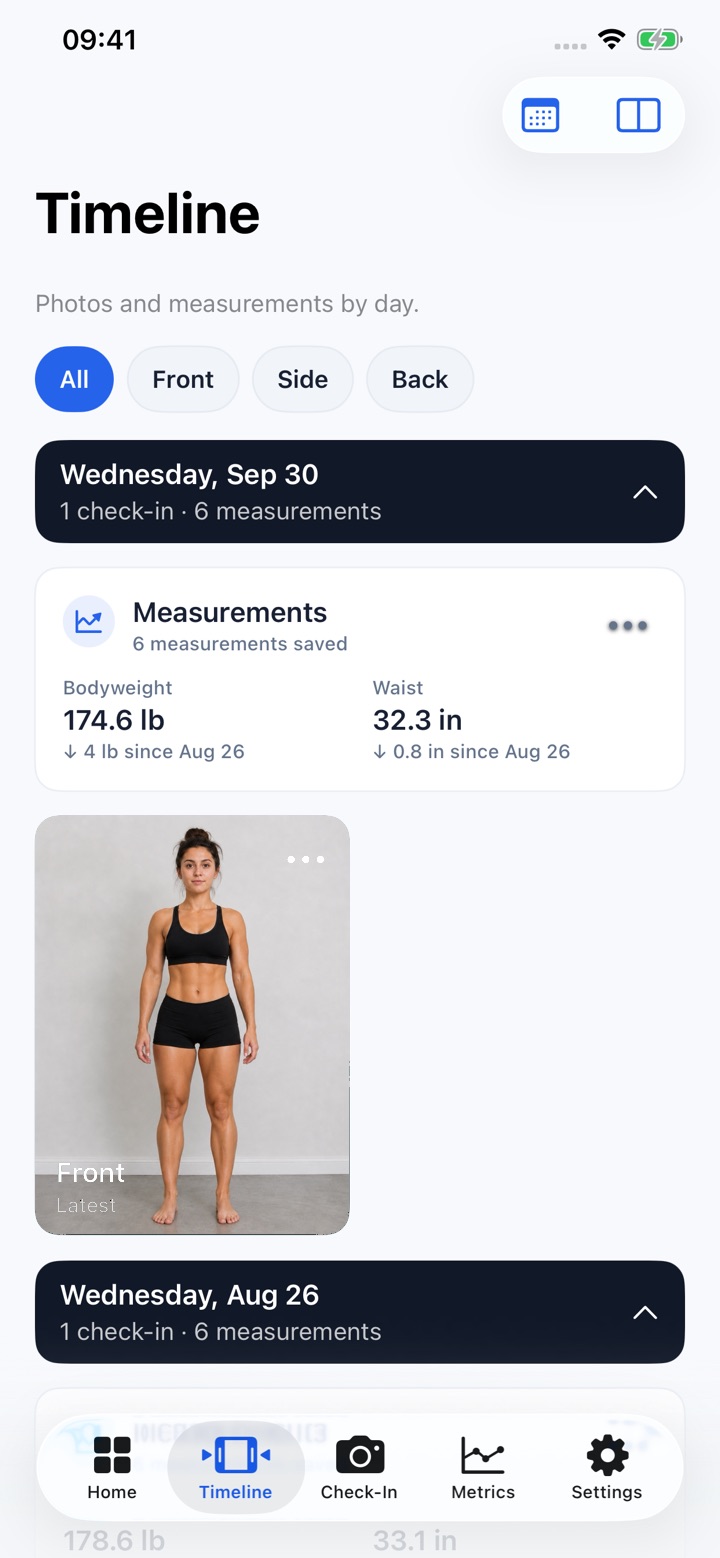
Add a number or two
Weight and waist take ten seconds. Skip them if you’d rather not. The photos do the talking.
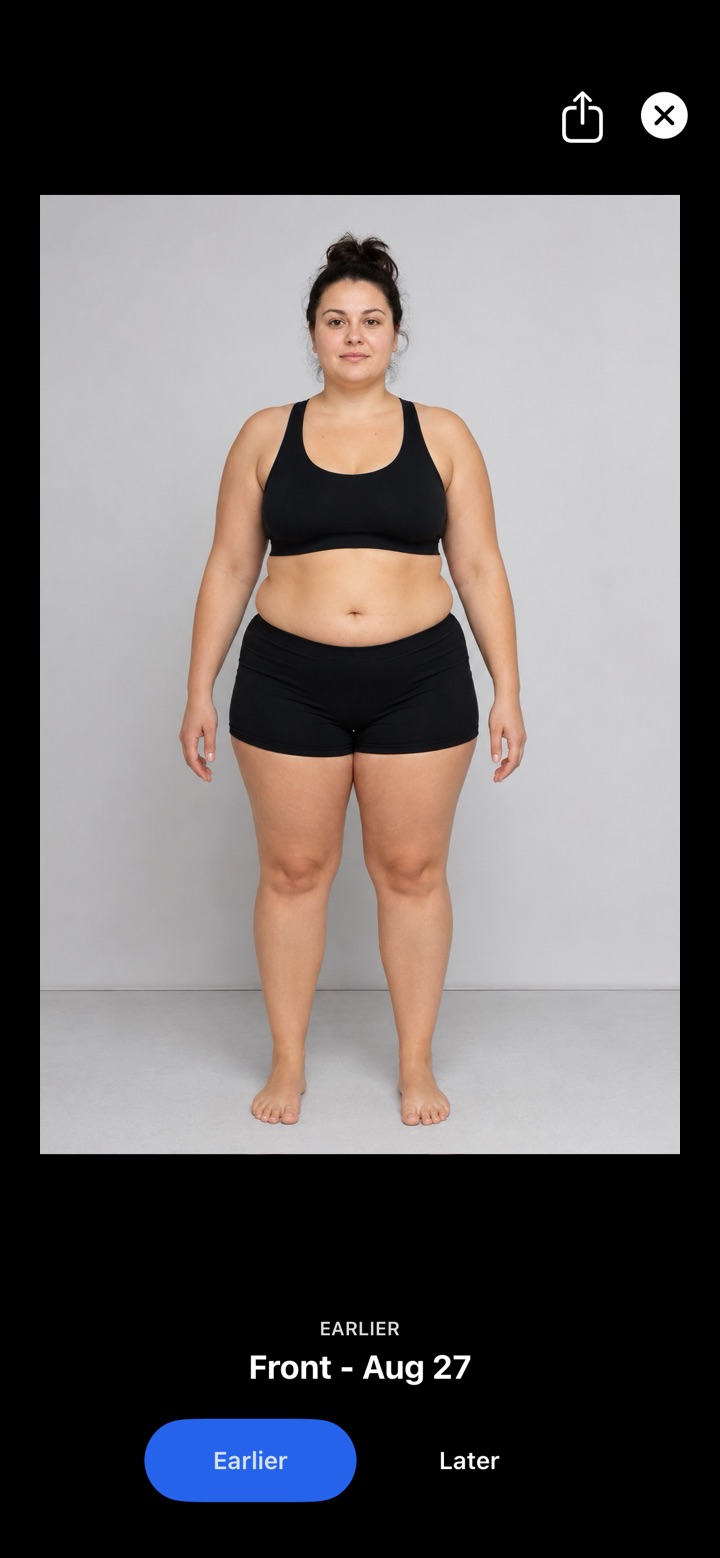
See the difference
Pick any two days and flip between them. That’s the moment it clicks.

FAQ
Questions, answered
Should I take gym progress photos with a pump?
No. Take them before training. A pump makes muscles look bigger for an hour and ruins the comparison.
How often should I take gym progress photos?
Every week or two, compared every 8–12 weeks.
Can I add my own poses, like a flexed back?
Yes. Add any pose you like and it gets its own timeline.
Are my photos private?
Yes. They stay inside the app on your phone: not in your photo gallery, not in the cloud, and there’s no account. Nobody sees them unless you share.
Is it free?
Free to download and try, with every feature. Your first 10 check-ins are free, then one payment unlocks unlimited check-ins forever. No subscription.
Get ProgressLens
Your future self will thank you for the first photo.
Take it today. In a few months, it’ll be the one that shows how far you’ve come.