01
Front, side, back and custom labels
Use the standard views or create labels that match your own routine.
Stop losing progress pictures in your camera roll. ProgressLens organizes progress photos by date and pose, keeps measurements beside them, and makes it easy to compare the same view over time.
Progress photo tracker · Progress picture app · Progress pics · Body transformation photos
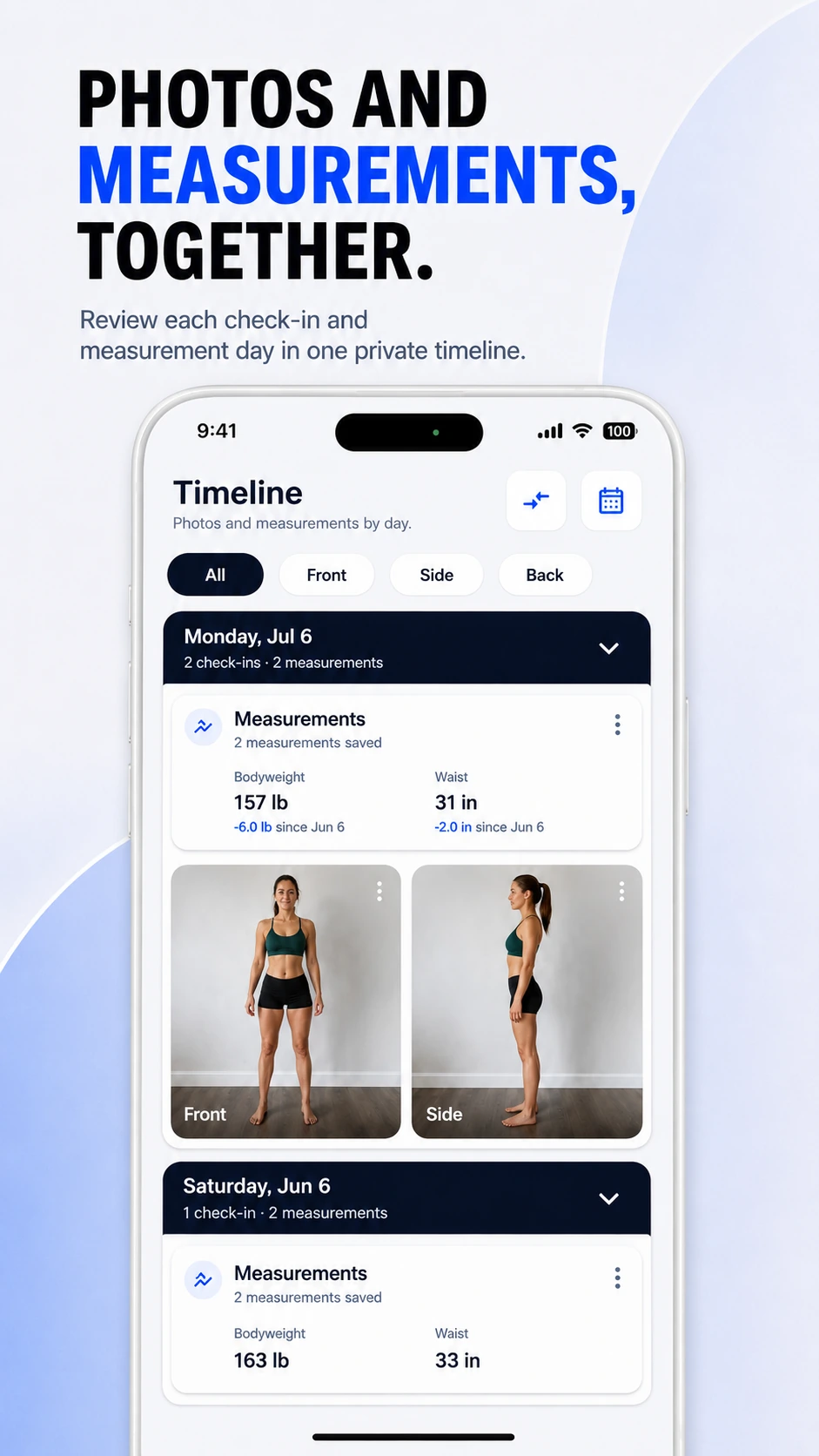
Small changes are difficult to judge when angle, distance, lighting, and pose change every time. ProgressLens is built around repeatable check-ins rather than random selfies.
Use the standard views or create labels that match your own routine.
Use the last matching photo as a subtle framing reference while taking the next check-in.
Keep check-ins grouped by date so the photo you need is easy to find.
ProgressLens is intentionally focused: it records the photos and measurements you choose, keeps them organized, and helps you compare your own history.
Take one consistent set each week and keep the history in order.
Review longer-term change without relying on memory.
Track physique changes across training phases.
Pair photos with weight and waist measurements for more context.
Quick answers about using ProgressLens for this kind of progress tracking.
Many people choose weekly, every two weeks, or monthly. The most useful schedule is one you can repeat under similar conditions.
Front, side and back are common because they make it easier to compare the same view later. ProgressLens also supports custom labels.
ProgressLens supports adding past check-ins so older photos can become part of your visual history.
No. It gives progress photos a dedicated structure so they are easier to review and compare.
ProgressLens is designed around personal progress tracking. Keep regular records private, create a local backup when you need one, and share a comparison only when you choose.
Download ProgressLens for iPhone or Android and keep photos and measurements in one place.