01
Repeatable photo check-ins
Use the same Front, Side and Back labels to make later comparisons easier.
ProgressLens helps you document weight loss with consistent progress photos, bodyweight, waist measurements, and side-by-side comparisons. See the visual history without mixing check-ins into thousands of everyday photos.
Weight loss progress photos · Weight tracker with photos · Before and after weight loss pictures
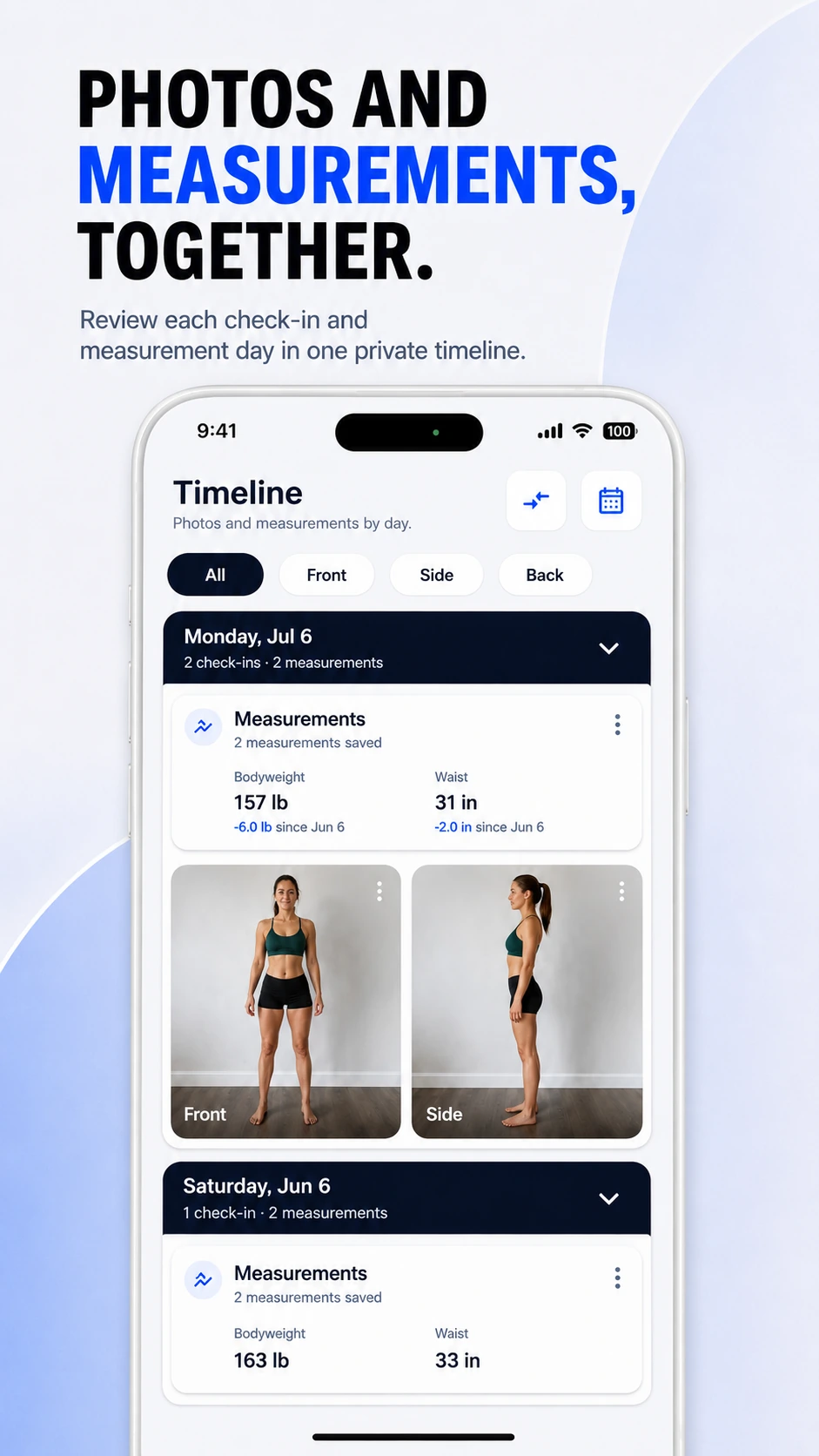
Bodyweight is useful, but it is not the only thing people want to look back on. Photos and measurements can give a more complete personal record of how your body changes over time.
Use the same Front, Side and Back labels to make later comparisons easier.
Keep scale changes and waist measurements beside your photo history.
Compare two dates directly instead of relying on memory.
ProgressLens is intentionally focused: it records the photos and measurements you choose, keeps them organized, and helps you compare your own history.
Create a calm routine instead of evaluating your appearance every day.
Compare the beginning of a journey with a later milestone.
Look at photos and measurements when weight has not moved much.
Keep personal photos organized without posting them publicly.
Quick answers about using ProgressLens for this kind of progress tracking.
They can provide a visual record that complements bodyweight and measurements. They should be viewed as personal documentation, not a medical assessment.
Try to repeat the same pose, camera distance, lighting and clothing style. Consistency makes comparison easier.
ProgressLens is designed to compare matching check-ins so you can look at the same view across time.
No. ProgressLens records photos and measurements; it does not prescribe diets, medications or treatment.
ProgressLens is designed around personal progress tracking. Keep regular records private, create a local backup when you need one, and share a comparison only when you choose.
Download ProgressLens for iPhone or Android and keep photos and measurements in one place.