Progress photo app
A progress photo app that does the hard part.
Taking a photo is easy. Taking one that matches last month’s isn’t. ProgressLens lines you up, keeps your photos private, and shows you the difference.


- Private to you
- No account
- No subscription
- iPhone & Android
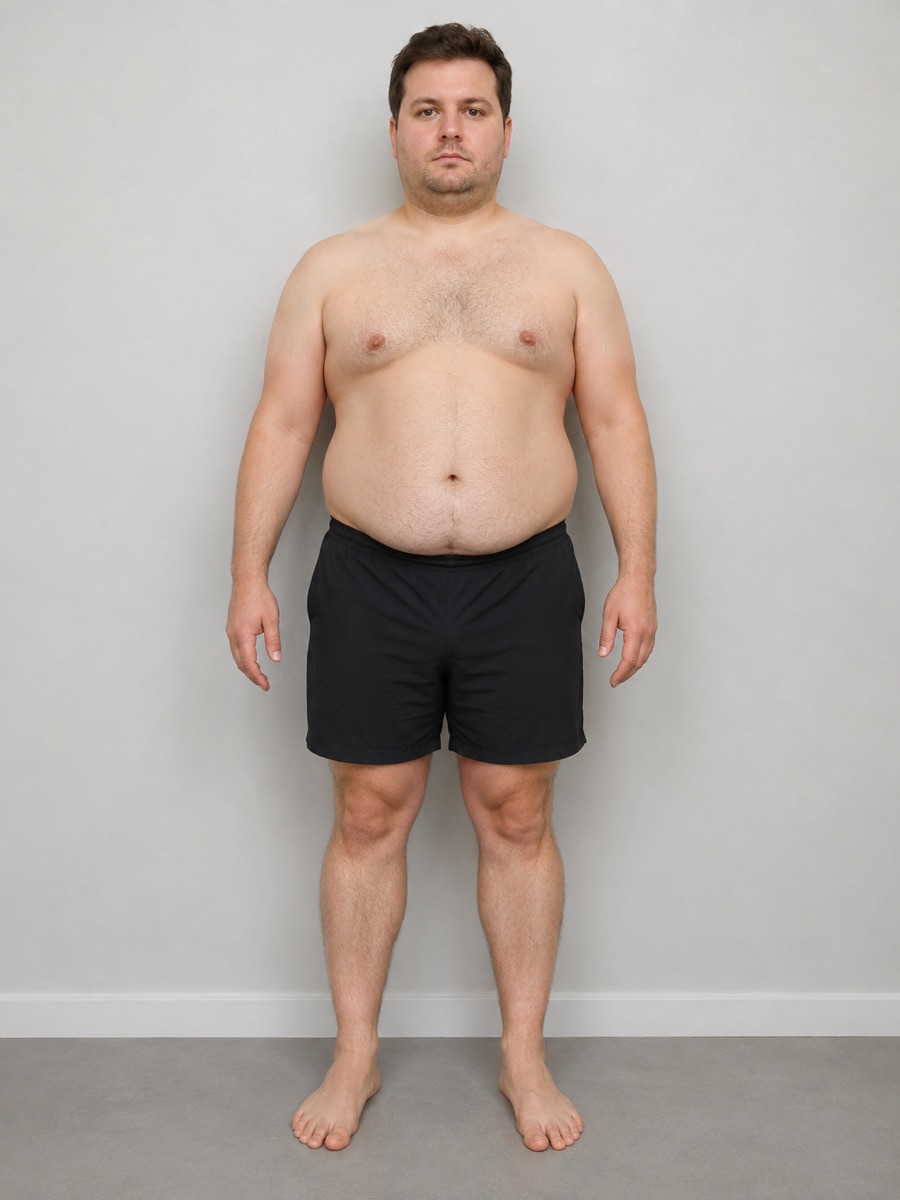
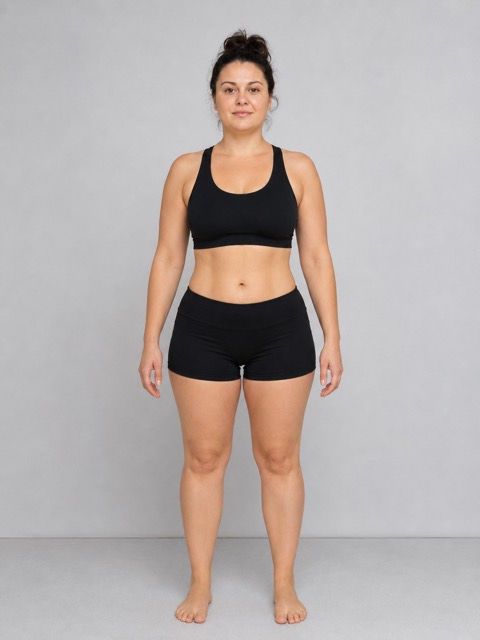
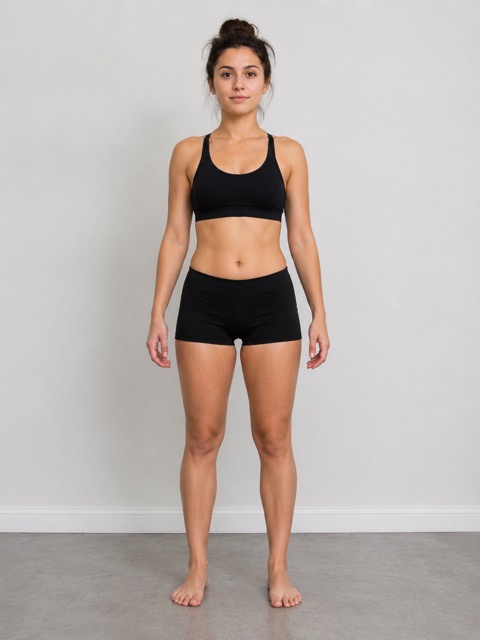
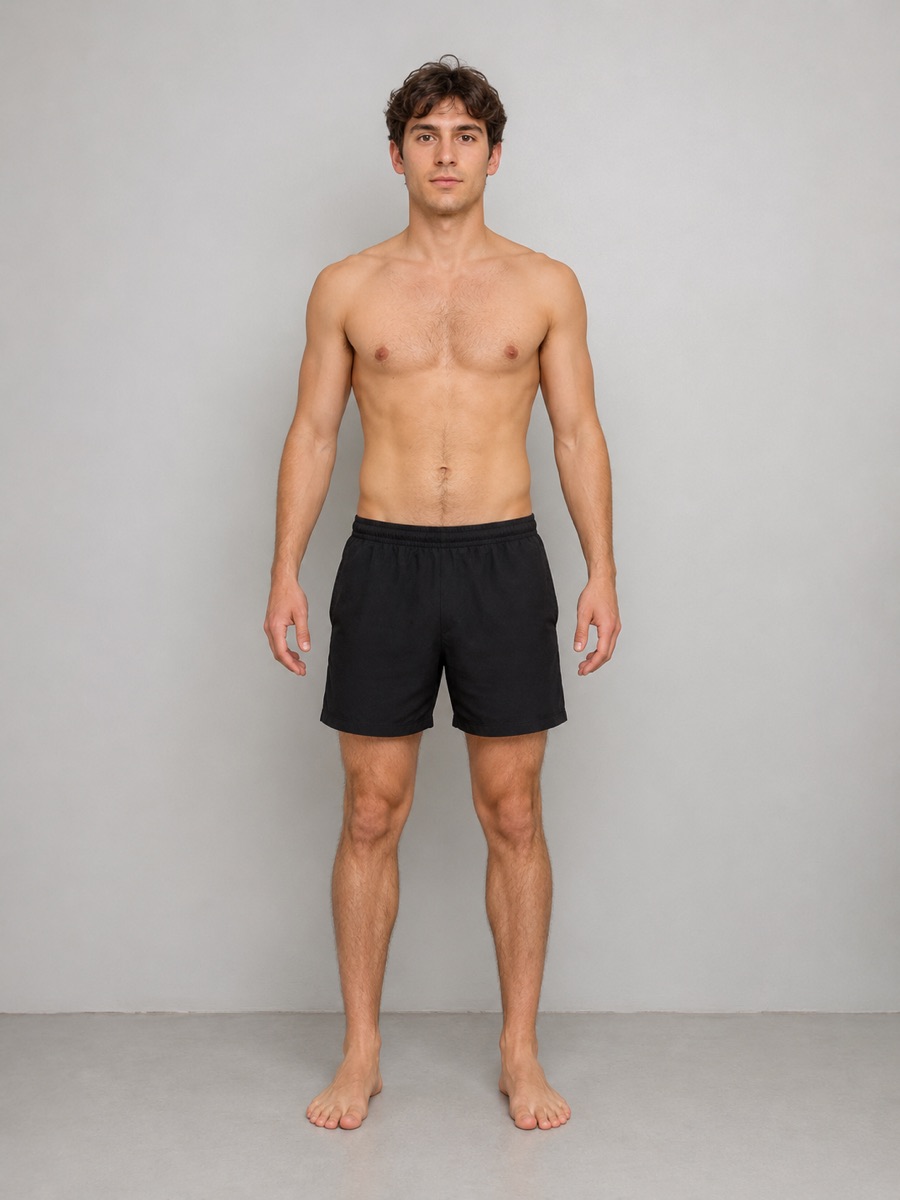 Month 1Month 8
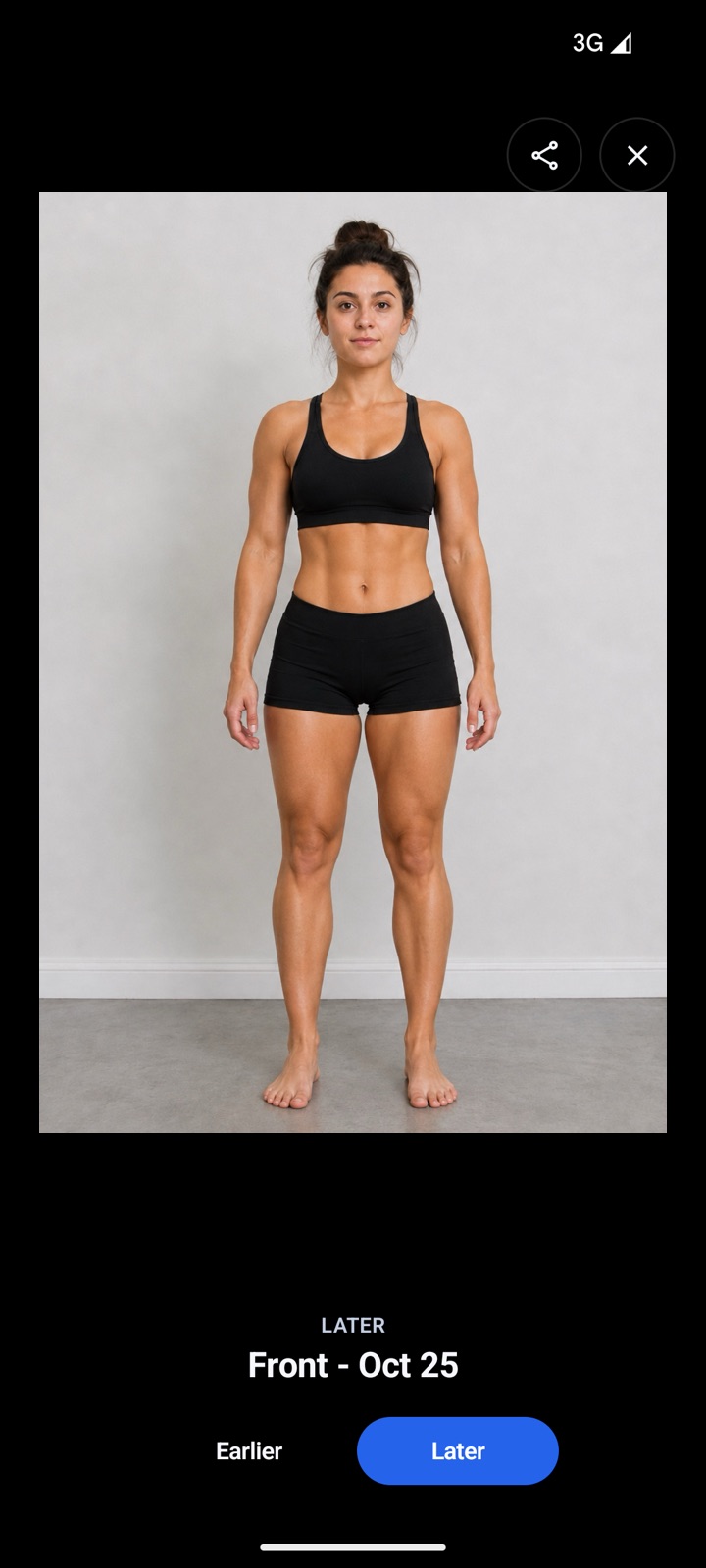
Illustrative example photos.
In short
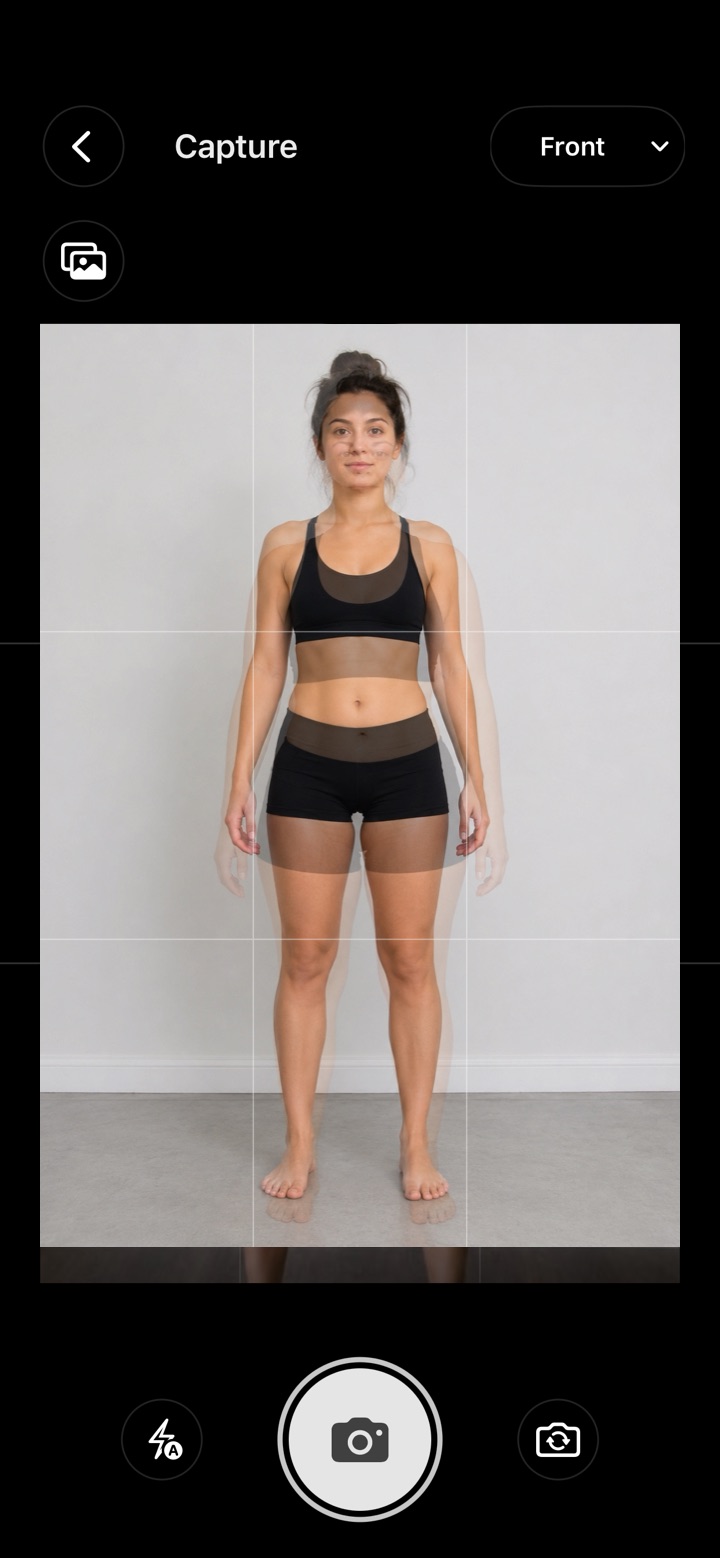
The best progress photo app helps you take photos that match, not just store them. ProgressLens shows your previous photo faintly on the camera, keeps front, side and back timelines, tracks weight and body measurements, and compares any two days, privately on iPhone or Android with no account and no subscription.
What to look for
Four things that make progress photos work.
- Matching photos. A guide from your last photo, so the angle never changes.
- Separate poses. Front, side and back each on their own timeline.
- Numbers beside them. Weight and waist on the same day.
- Privacy. Not in your gallery, not in the cloud.
Why it works
Week to week, you can’t see it.
Month to month, you can’t miss it.
Change is slow, so the mirror stops noticing. A photo from the same spot, a few months apart, shows you the truth. And on the days you want to quit, that’s the photo that keeps you going.
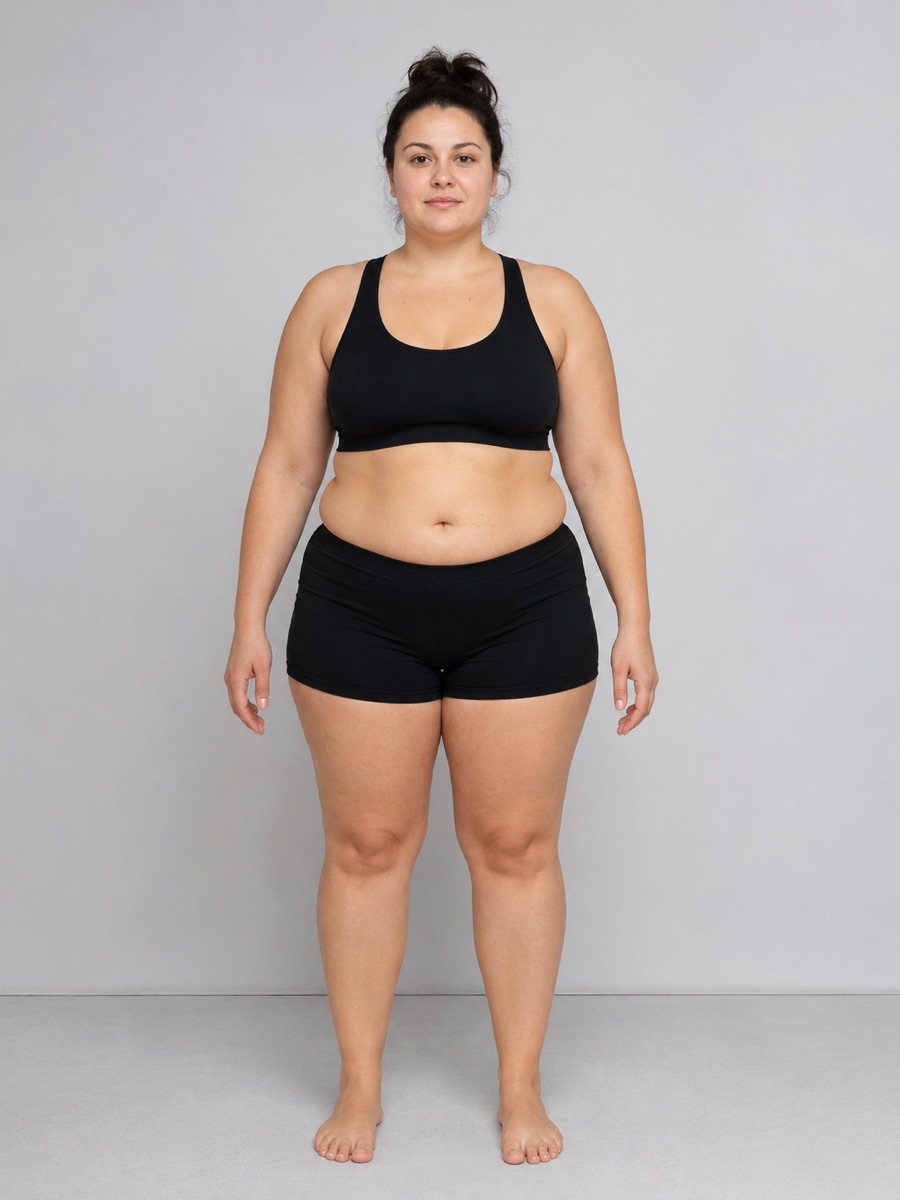
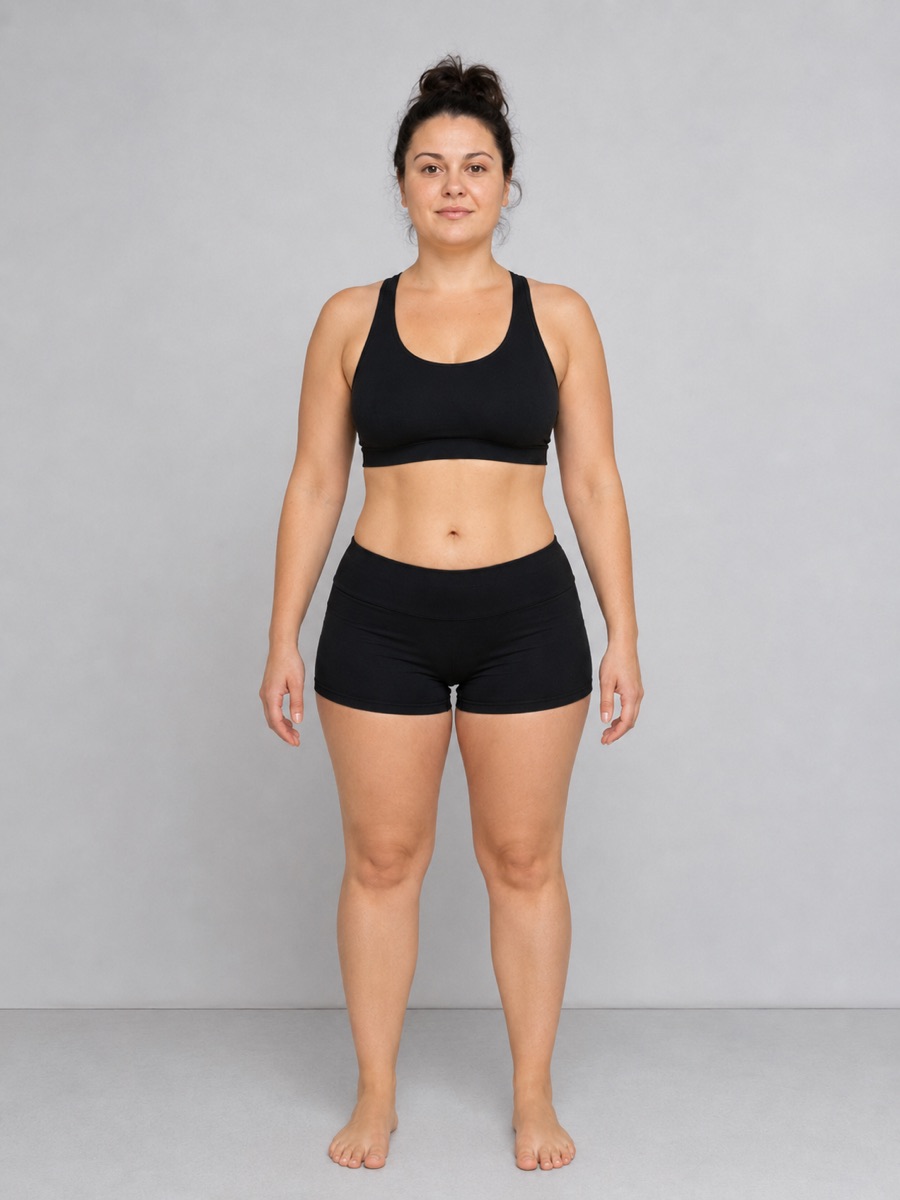
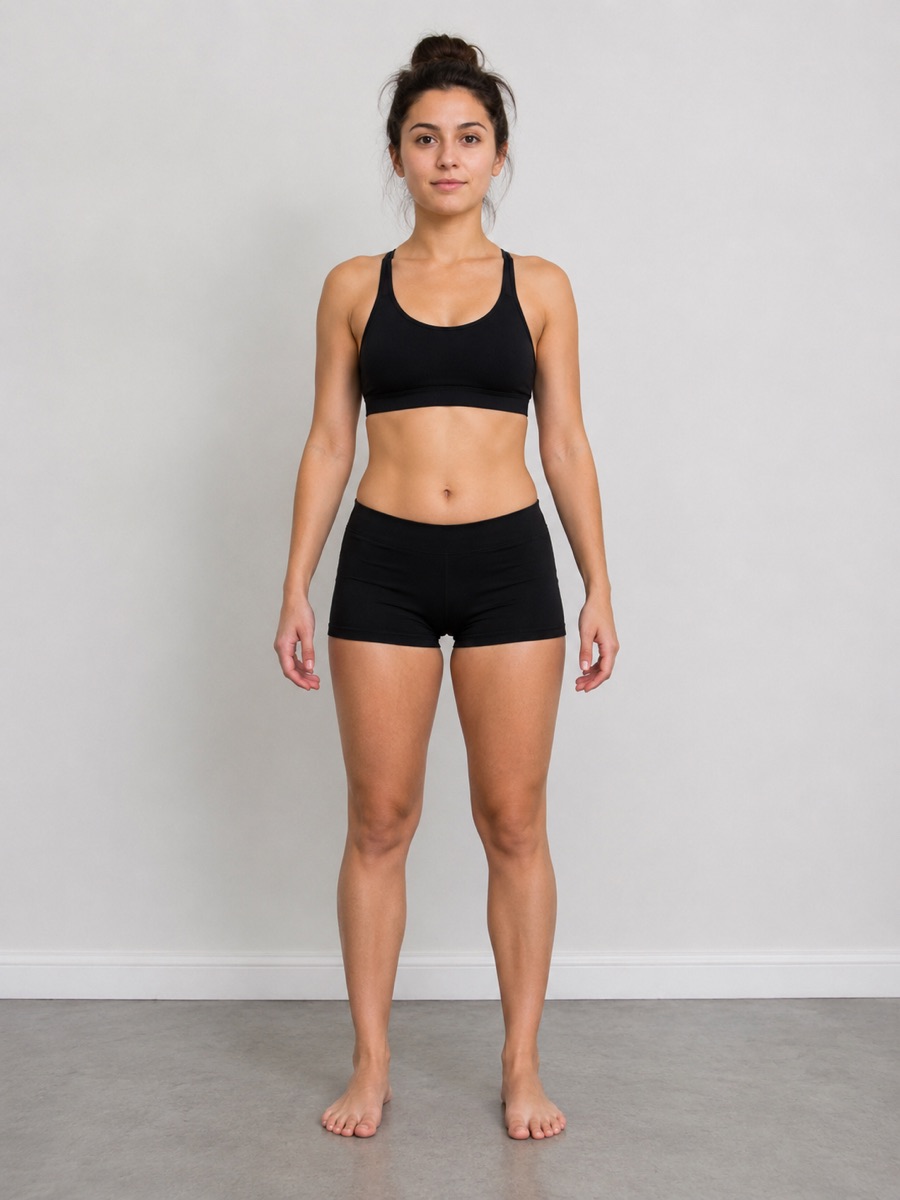
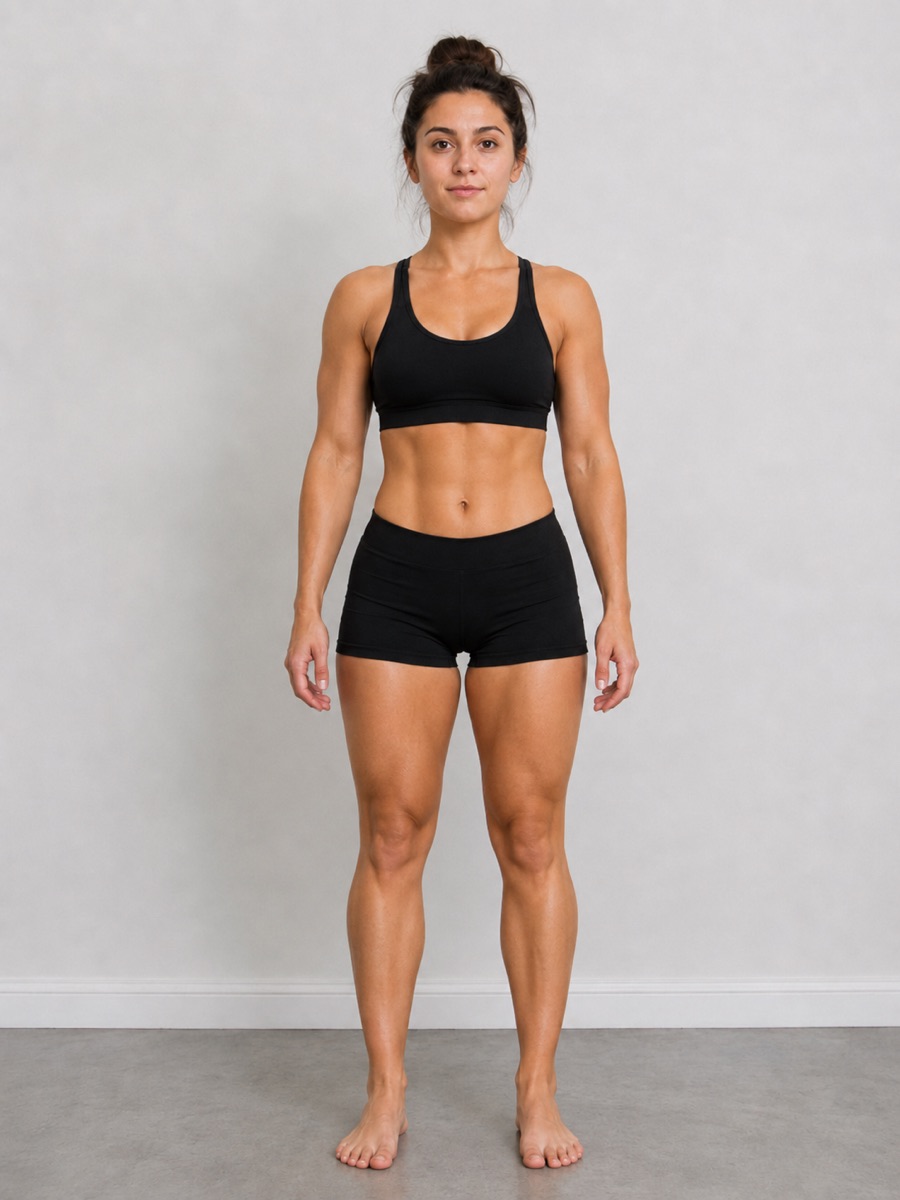
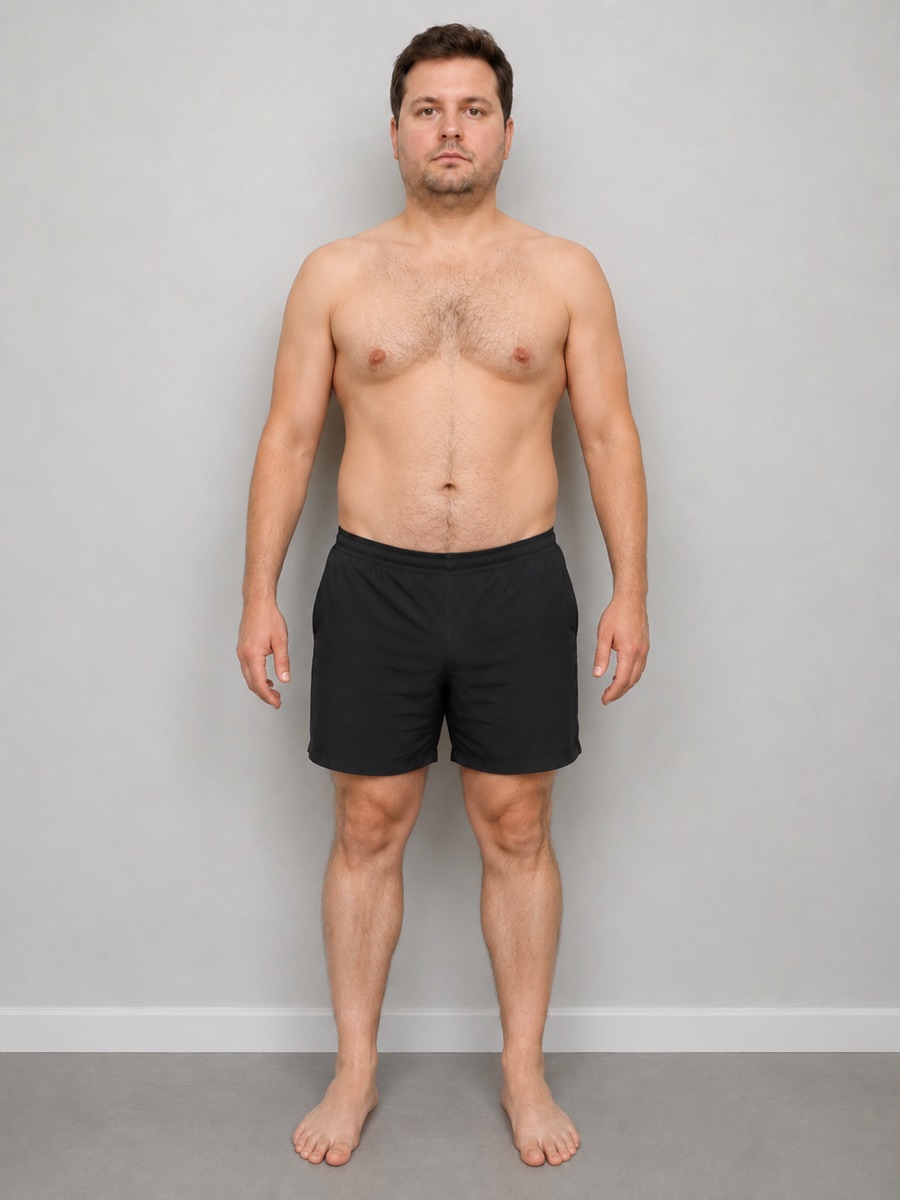
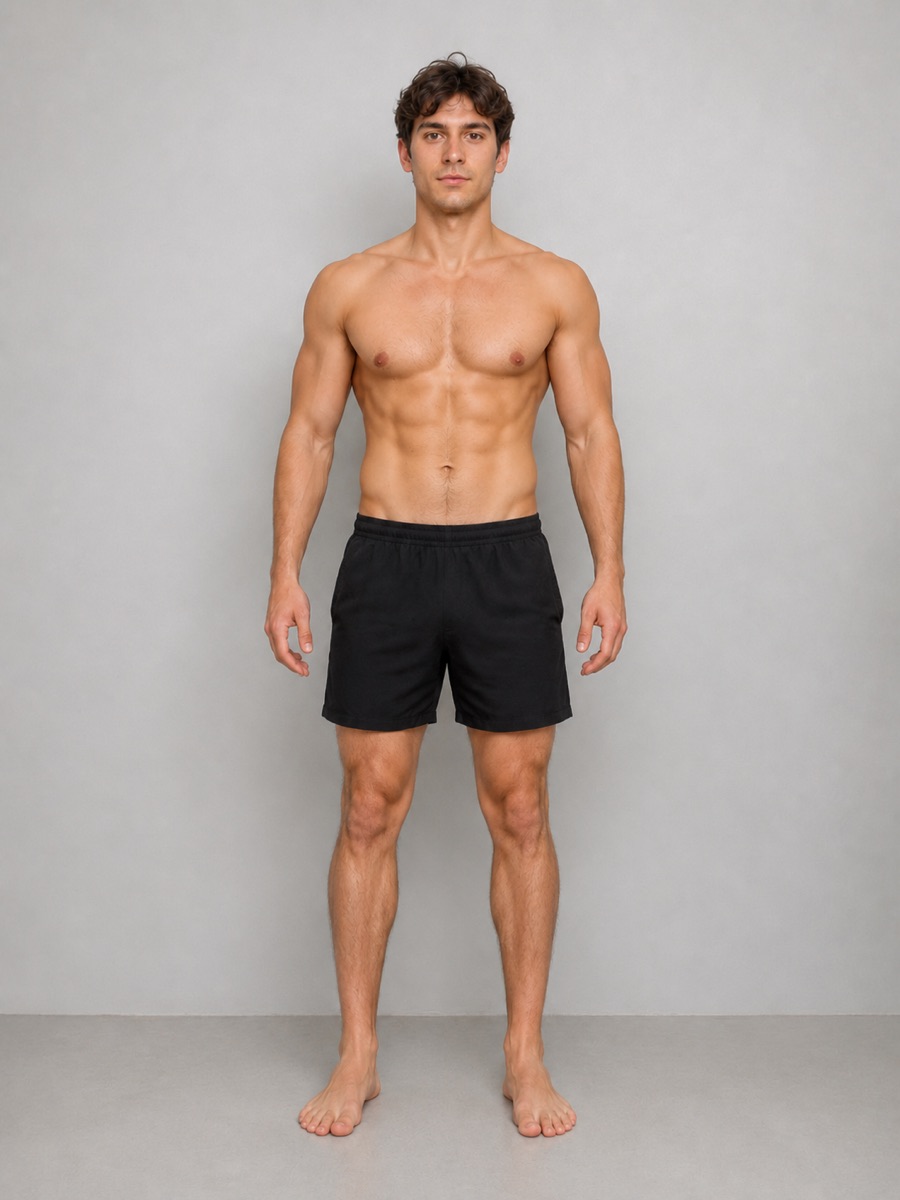
Illustrative example photos.
How it works
Thirty seconds a week.
No setup, no sign-up, no learning curve. Open the app, take your photo, done.
Snap your photo
Front, side and back. Your last photo shows faintly on the screen, so you stand in the same spot every time.
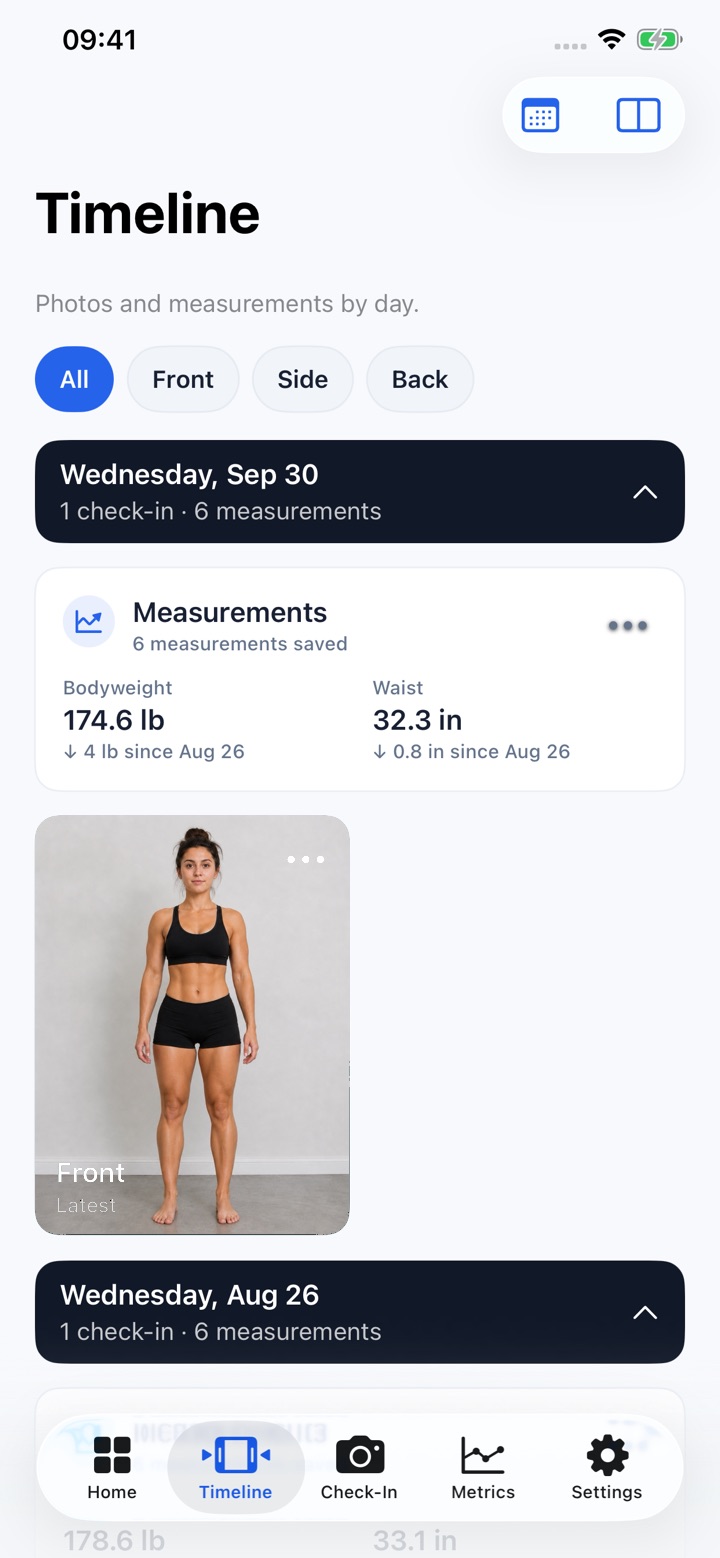
Add a number or two
Weight and waist take ten seconds. Skip them if you’d rather not. The photos do the talking.
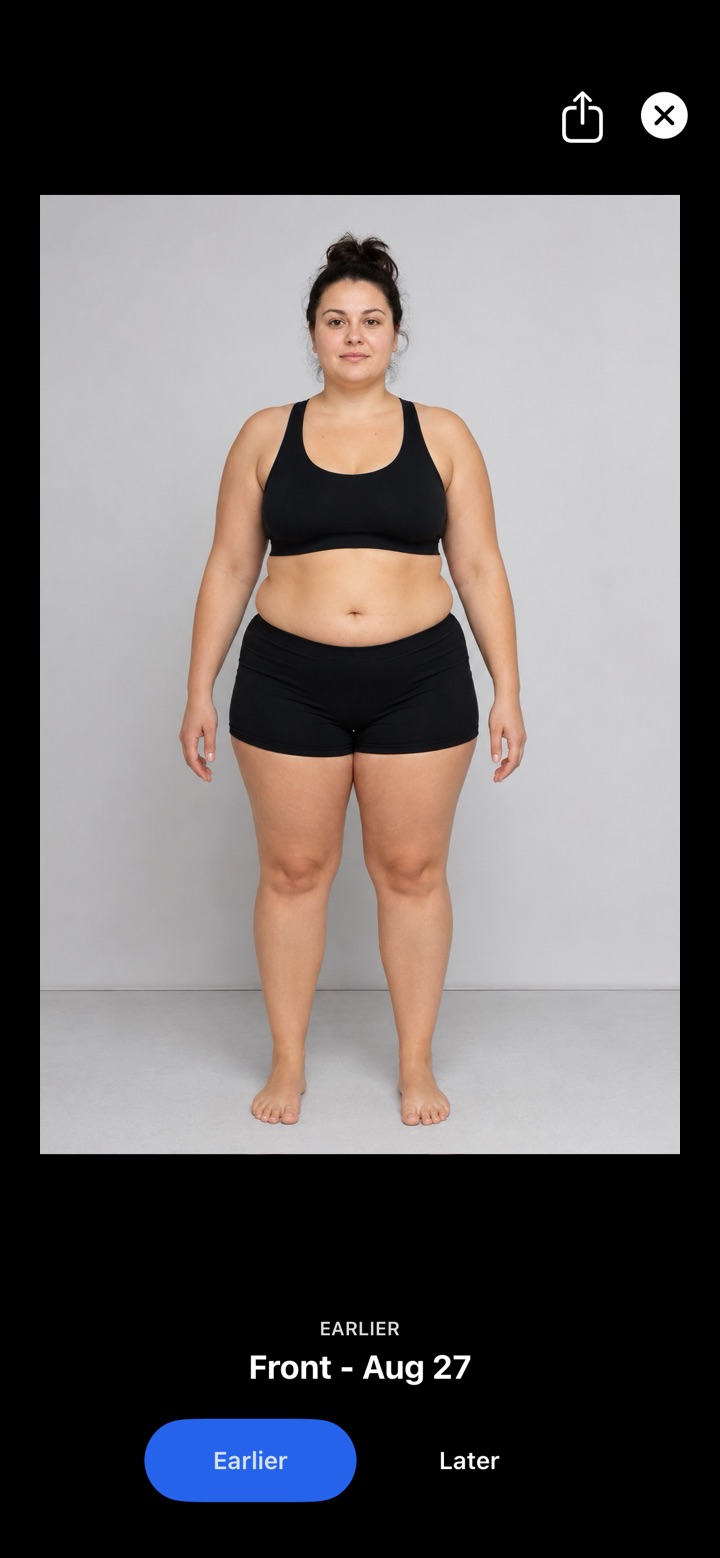
See the difference
Pick any two days and flip between them. That’s the moment it clicks.
Whatever you’re working on
Made for your journey.
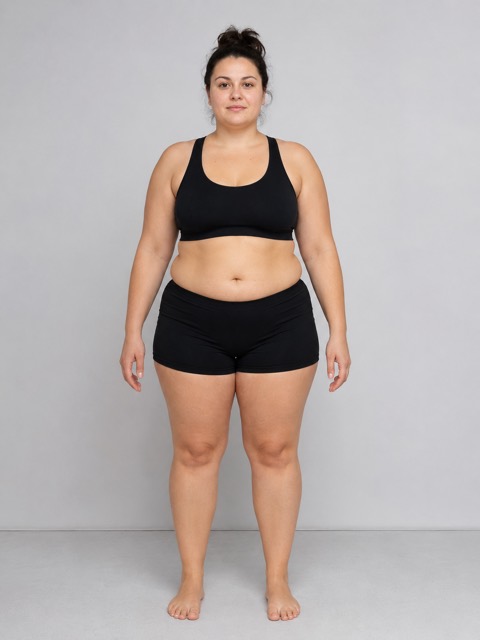
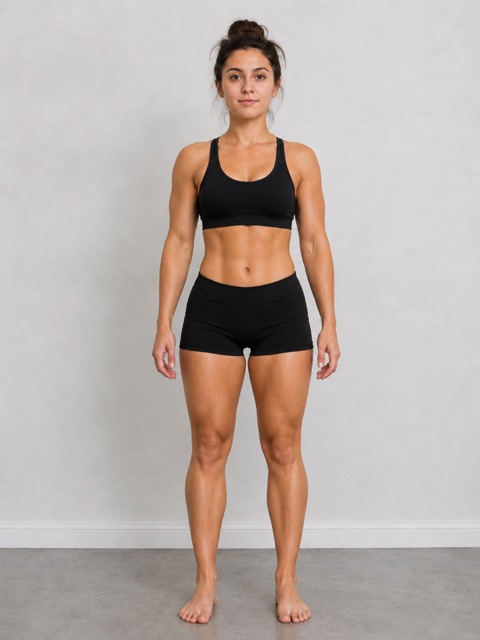
Weight loss
See the change the scale keeps hiding.
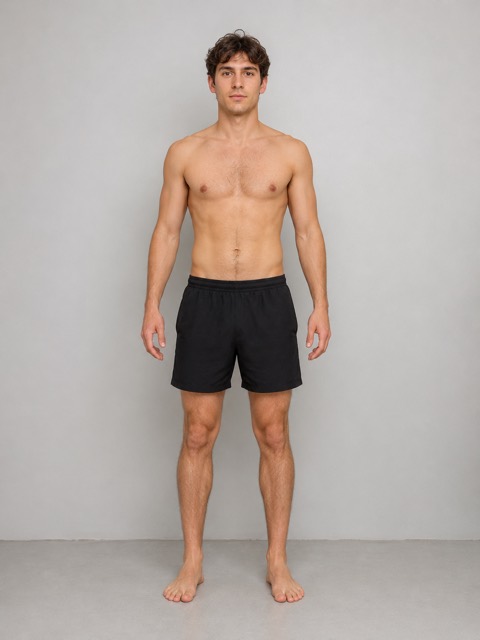
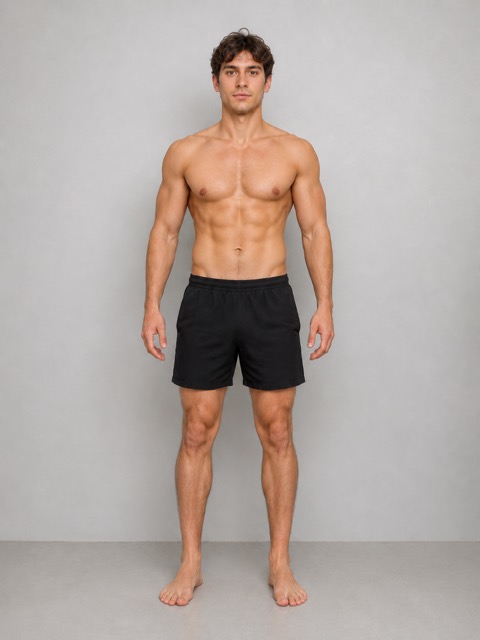
Building muscle
Watch your shoulders and arms fill out.
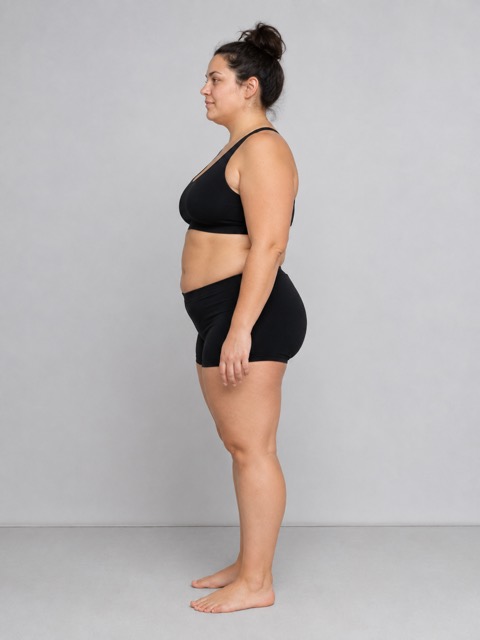
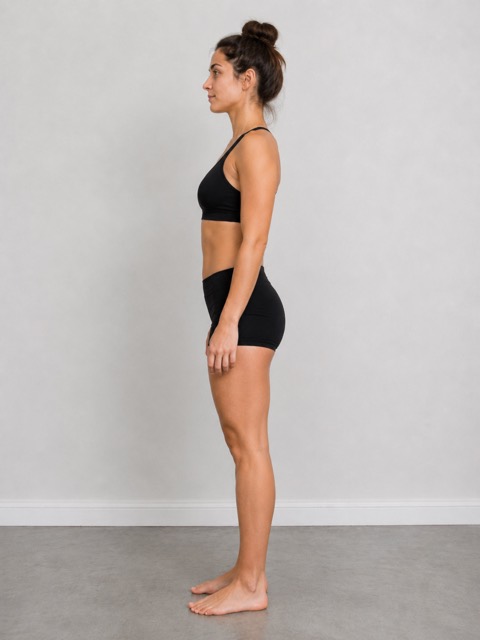
Ozempic & Mounjaro
Document your journey week by week.
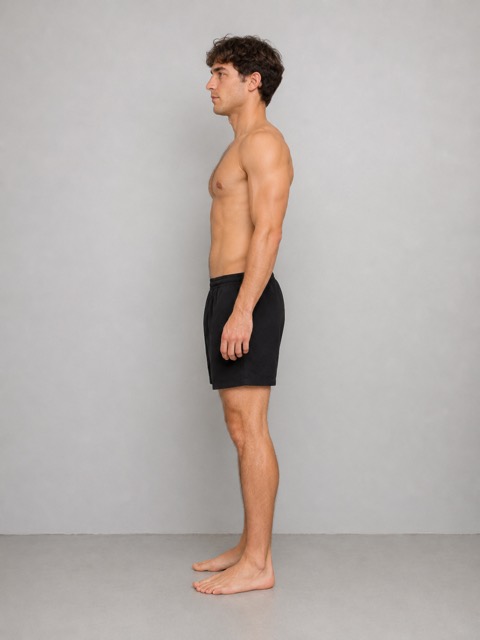
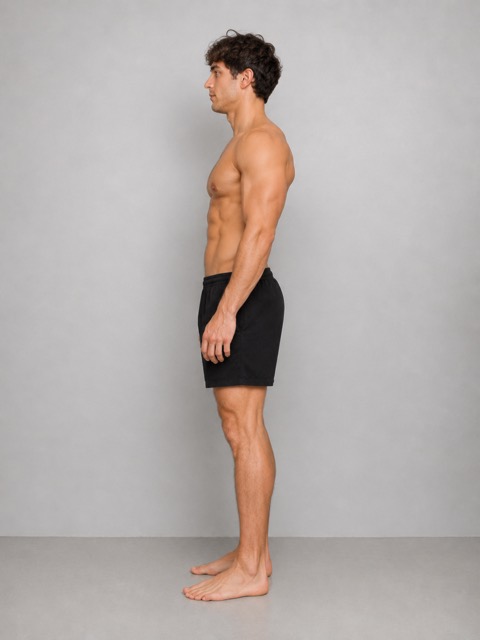
Toning up
Same weight, different body. Now you’ll see it.
75 Hard
Your daily photo, day 1 to day 75.
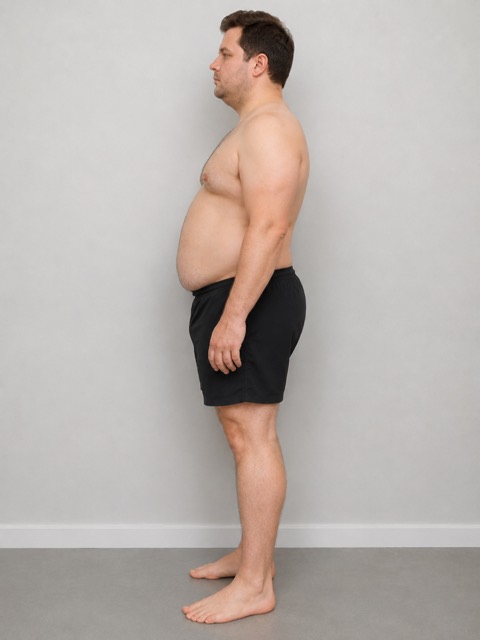
Before & after
The photo you’ll be proud to share.
FAQ
Questions, answered
What is the best progress photo app?
One that helps your photos match, keeps poses separate, tracks weight and waist and keeps everything private. ProgressLens does all four. See the full comparison.
Is it free?
Free to download and try, with every feature. Your first 10 check-ins are free, then one payment unlocks unlimited check-ins forever. No subscription.
Are my photos private?
Yes. They stay inside the app on your phone: not in your photo gallery, not in the cloud, and there’s no account. Nobody sees them unless you share.
Does it work on iPhone and Android?
Yes, on iPhone and iPad (iOS 17 or later) and Android (Android 7.0 or later).
Get ProgressLens
Your future self will thank you for the first photo.
Take it today. In a few months, it’ll be the one that shows how far you’ve come.